51
1
2
3
4
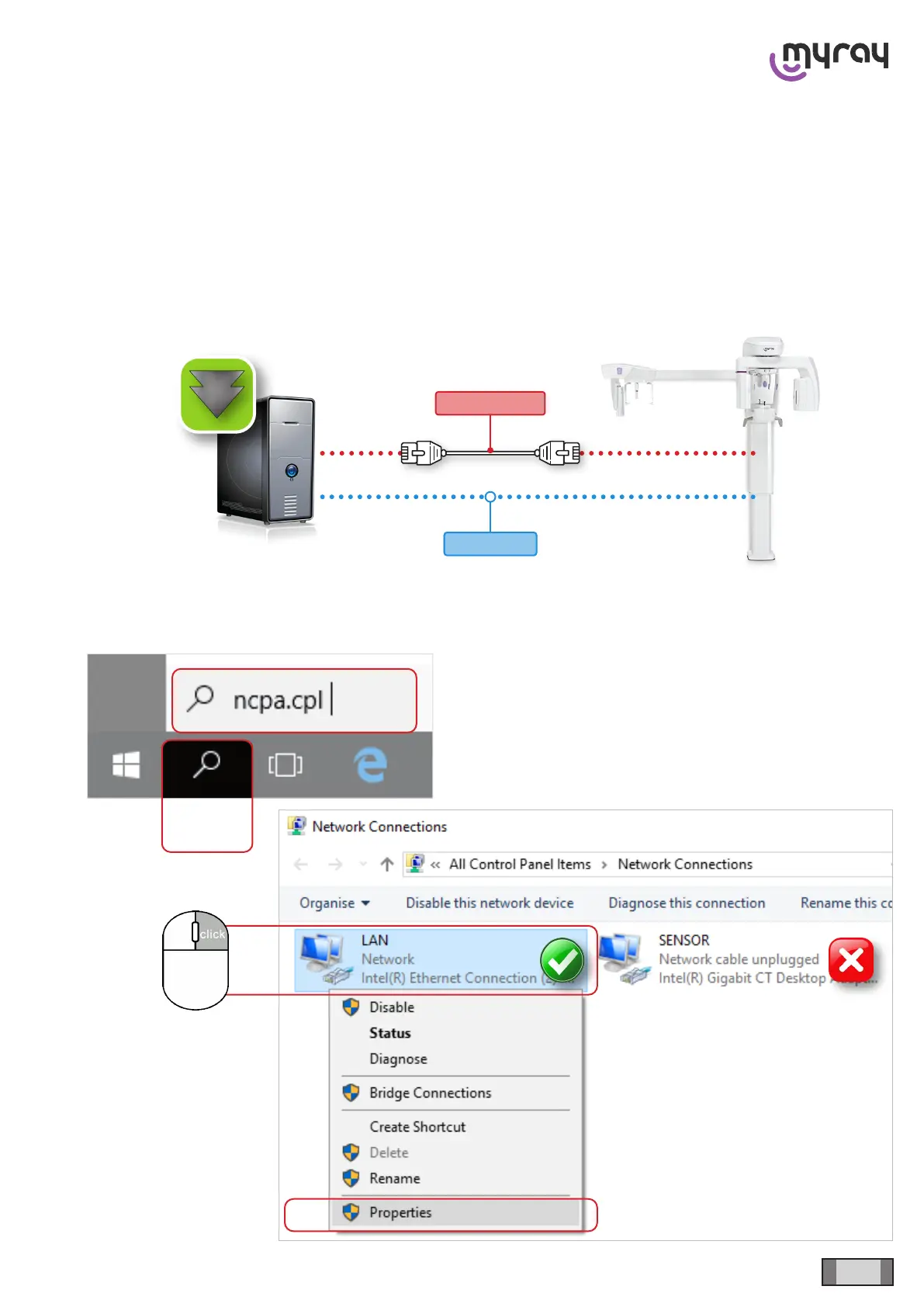
Cat. 6 (min.)
Static IP
hyperion X5 2D CEPH/CEPH Ready - TECHNICAL MANUAL
EN
DEVICE INSTALLATION AND CALIBRATION » Operating system conguration
4.4.4 PC-DEVICE CONNECTION
The device may be connected to a local area network or directly to the main workstation. In both cases, the Ethernet
connection for sensors must be point-to-point and is always managed autonomously by the software and the machine.
The network card dedicated to the communication with the device must be congured as follows.
4.4.4.1 CASE 1 - DEVICE-PC DIRECT CONNECTION (SETTING A STATIC IP ADDRESS ON
THE NETWORK CARD)
It is necessary to set a static IP address for the network card dedicated to PC - device communication and it must be
compatible with the device’s default address (192.168.1.160).



 To Next Page