74
14
15
16
hyperion X5 3D CEPH/CEPH Ready - TECHNICAL MANUAL
EN
DEVICE INSTALLATION AND CALIBRATION » Software installation
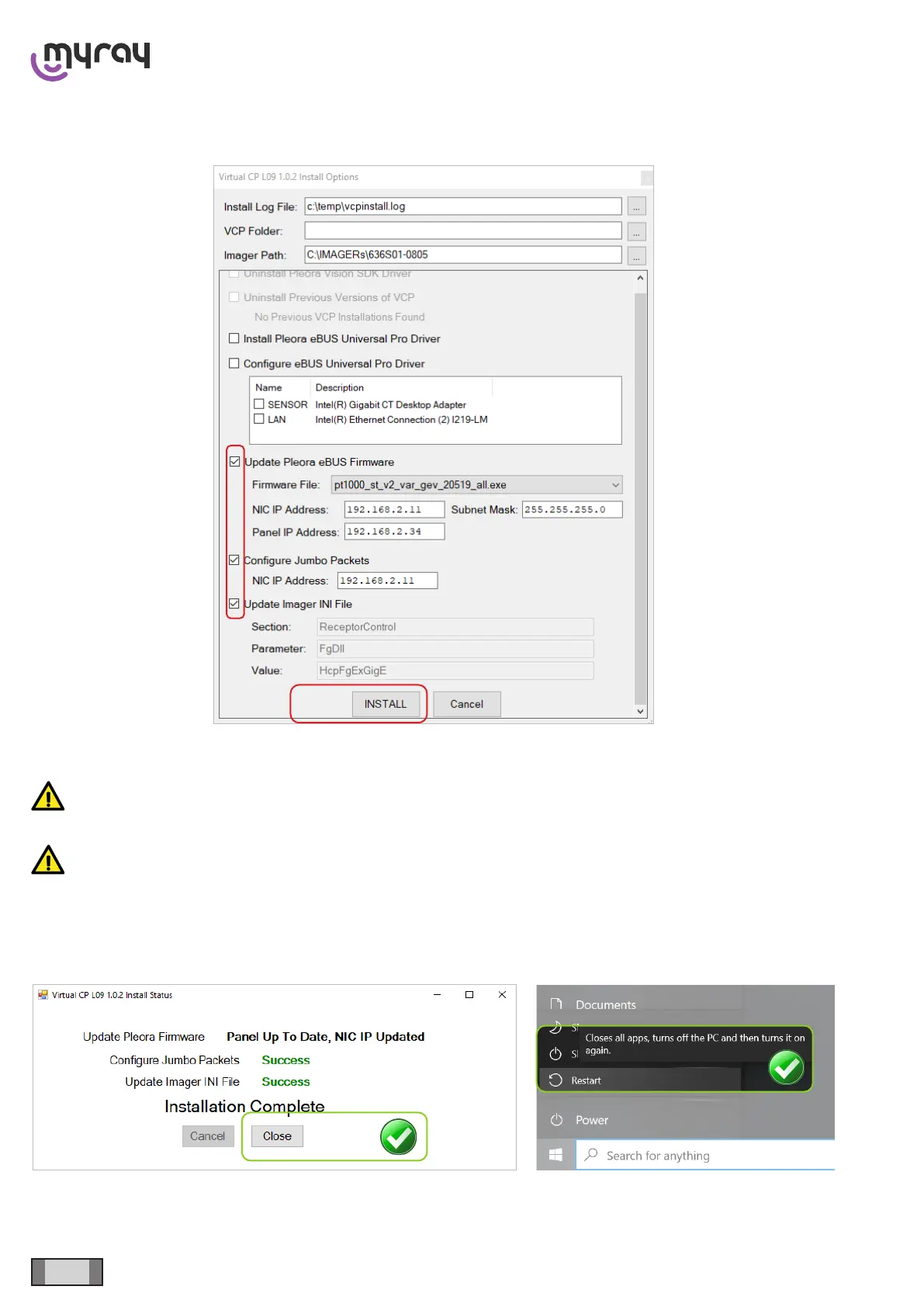
WARNING: this procedure may take a long time, do not interrupt the process. During the procedure the PC
will restart and resume installation. If this does not happen, it is necessary to manually run “Updater.exe” and
reselect the installation steps which are not yet completed.
WARNING: During this procedure do not disconnect or switch o the device. Failure of panel rmware update
may compromise its functionality. If dialogs appear, follow the instructions.
INSTALLATION COMPLETED:
The installer will check whether a previous version of Pleora Driver is already present and will uninstall it if necessary.



 To Next Page