41
EN
hyperion - OPERATING INSTRUCTION
The control panel has 3 led indicators that show the status of hyperion. In particular, if the machine is on, led indicator (
) will come on. On the other hand, a green led indicator signals the machine is ready to be used with x-rays (Ready,
) while the yellow led indicator ( ) lights up to signal x-ray emission is in progress.
Press any key in the “Assisted positioning” area to turn on 3 lasers to position the patient.
Press any key to change over from “Standby” mode to “Ready”.
3.2 Wall-mounted control panel
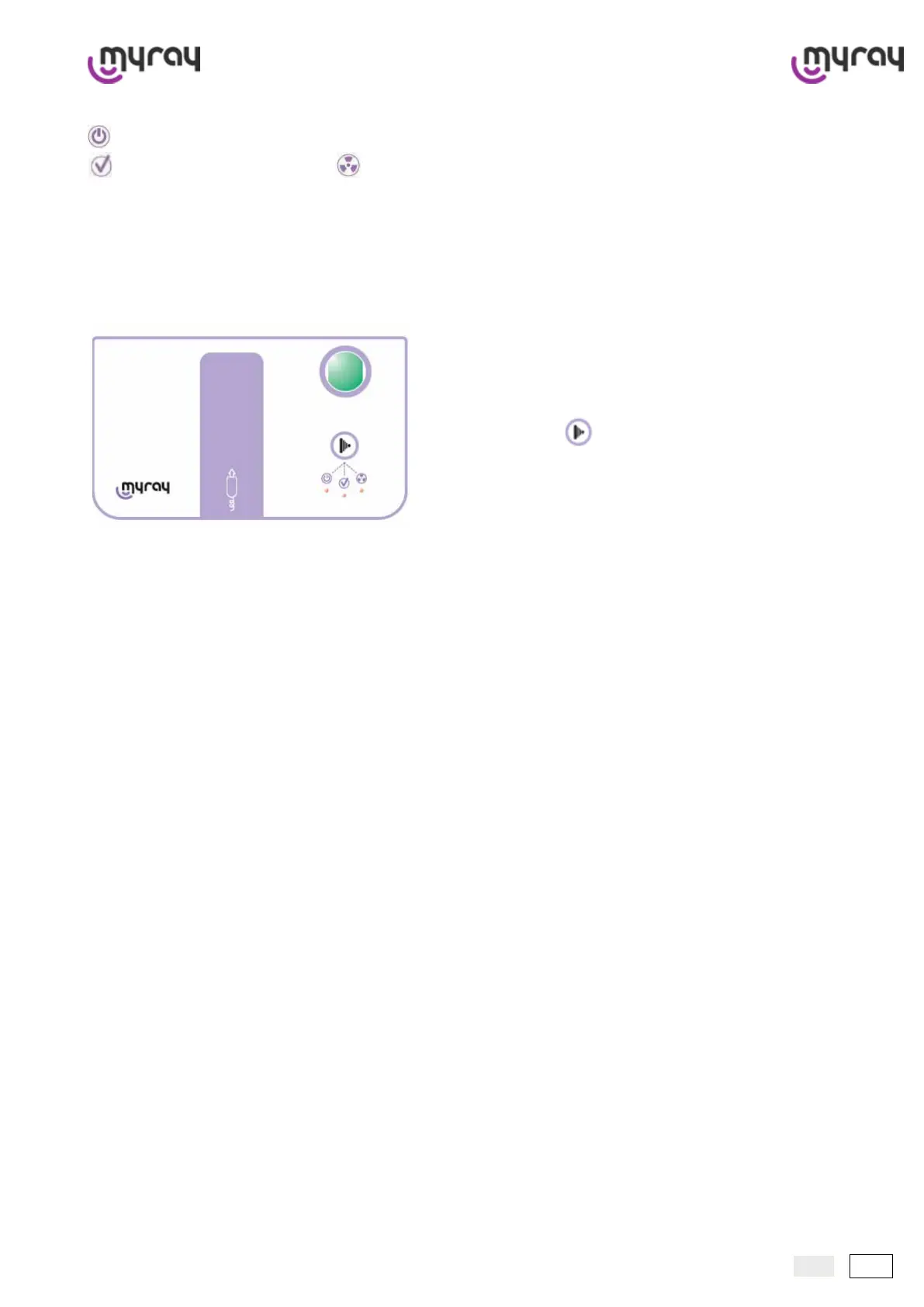
This panel is wall-mounted outside the room in which hyperion is in-
stalled. It has just one key for x-ray emission and 3 indicator lights that
signal equipment status (On, X-ray) which are the same as the ones
present on the control panel.
X-ray emission key:
The panel has an area reserved for magnetic application of the x-ray
emission button with extendable cord (optional) which only has a key
for x-ray emission.
The control panel features a hardware key to enable or disable the
use of the equipment.



 To Next Page