5.1 Error Detection on EtherNet/IP module
5-2
Each LED indicates the following status for the master module.
・LED1: Network reception status
・LED2: Current module status
・LED3: Current communication status
・LED4: Not used
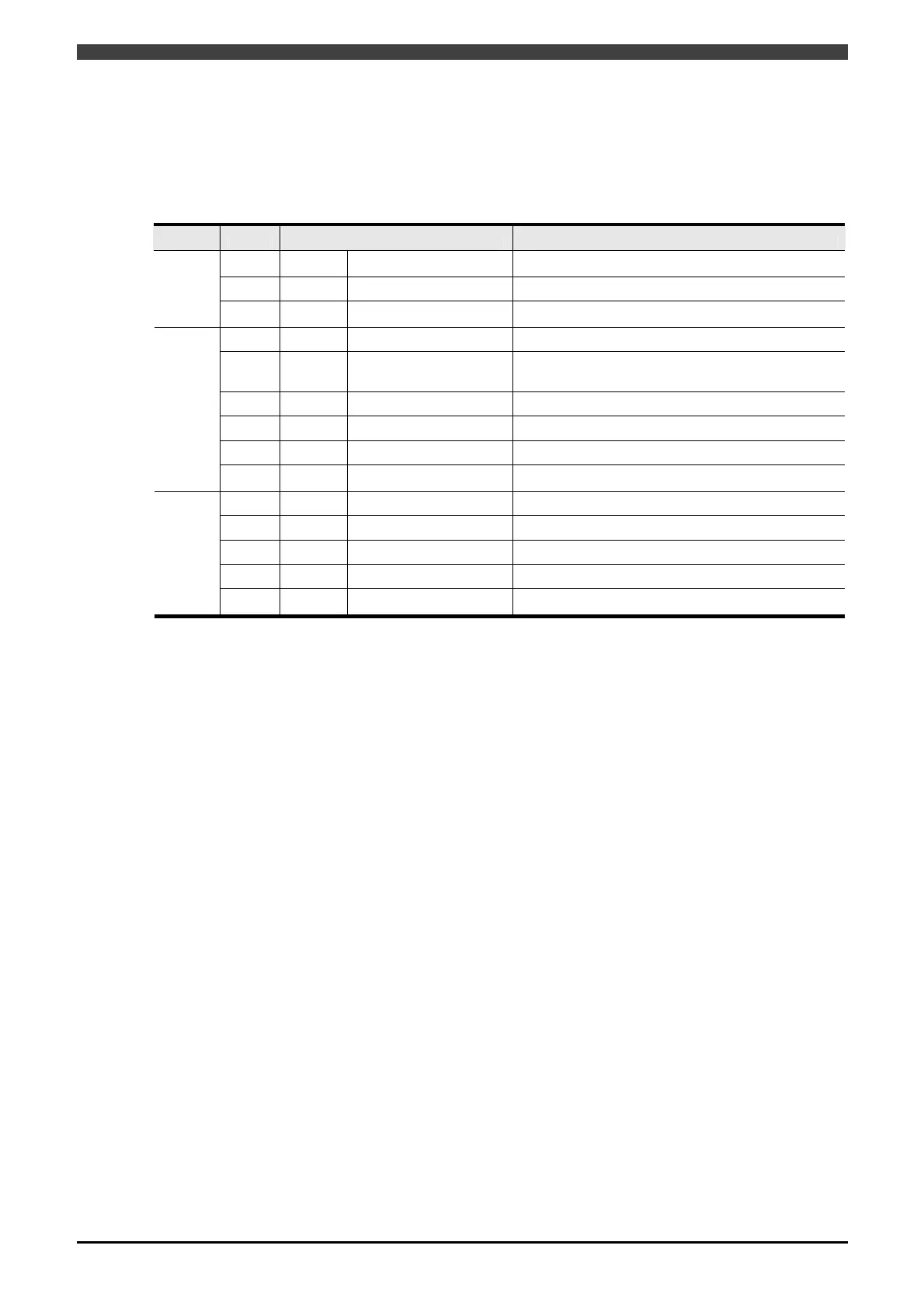
Table 5.1.2 LEDs and field bus base board Status for the Master Module
LED Color Status Description
Green Lit Online -
Green
Flashing
Packet sending and receiving
Currently sending and receiving the packet
LED1
- Unlit Offline -
Green Lit Run State Currently communicating with scanner
Green
Flashing
Not set / Idle State
Settings are not complete or no communication with
scanner
Red
Flashing
Error Non-critical error detected
Red Lit Error Critical error detected
Red green
Flashing
Self-diagnostics Currently performing self-diagnostics
LED2
- Unlit - No power supply
Green Lit
Online / Currently connected
Online
Green
Flashing
Online / Not connected Online / No communication partner
Red Lit Error Duplicate IP address
Red
Flashing
Error Connected time-out
LED3
-
Unlit - Initialization incomplete / No power supply
LED3 is green and lit as long as communications are established with at least one node.



 To Next Page