4.1 Setting procedure
4-1
Chapter 4 Setting
4.1 Setting procedure
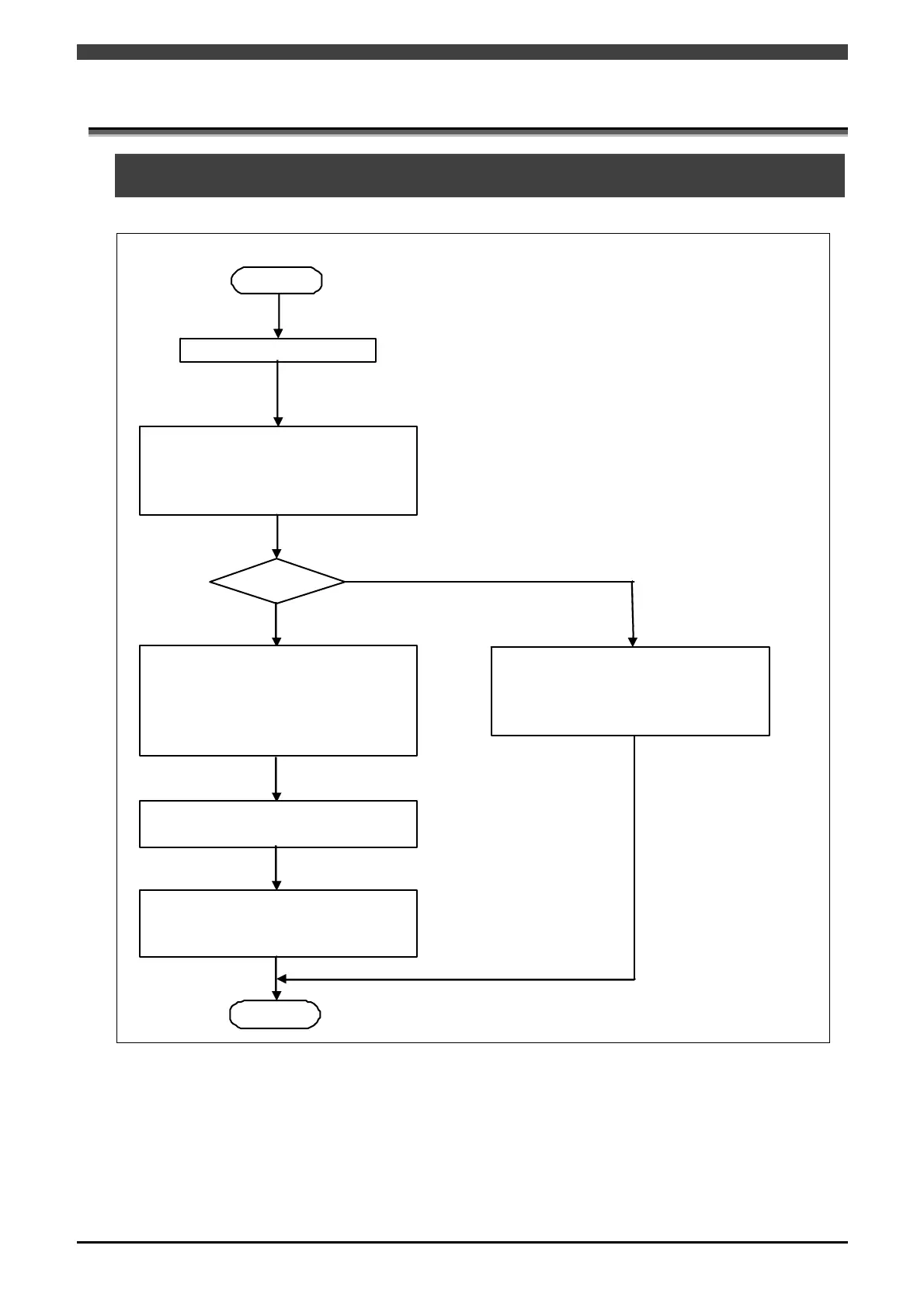
The basic flow of the setting procedure is given below.
Start
End
Hardware connections
Fieldbus setting
Set the slot ID and module number
where the fieldbus channel number,
master/slave, and EtherNet/IP board to
use are mounted .
Mas ter?
EthernetIP(Master) setting
Set the IP Addres s, Subnet m ask,
Defaultgateway, INPUT BYTES,
OUTPUT BYTES, the action to take
when transmission errors occur and
Execute Mode.
Sla ve list settings
Add or delete the slaves.
Slave parameter settings
Set the slave node n umbers of the slaves
and the number of input/output bytes.
EthernetIP(Slave) settings
Set the IP Address, Subnet mask,
Defaultgateway, INPUT BYTES,
OUTPUT BYTES and the action to take
wh en transmission errors occur.
Fig. 4.1.1 Setting procedure flowchart
Hardware connections are carried out at time of factory shipment.
To set the scanlist, it is necessary to have the setting PC and RSNetWorx for EtherNet/IP (paid software) by
Rockwell.
When software PLC is used for fieldbus I/O, PLC setting procedure is required separately. For details, refer to
the instruction manual “Software PLC."



 To Next Page