EasyManua.ls Logo

NAMCO MARIOKART ARCADE GP DX - Error Displays; Network Errors

NAMCO MARIOKART ARCADE GP DX
137 pages
Print Icon
To Next Page IconTo Next Page
To Previous Page IconTo Previous Page
Loading...
70
— Must be performed by a technician —
8B. Service
8B-2 Troubleshooting
8B-2-1 General
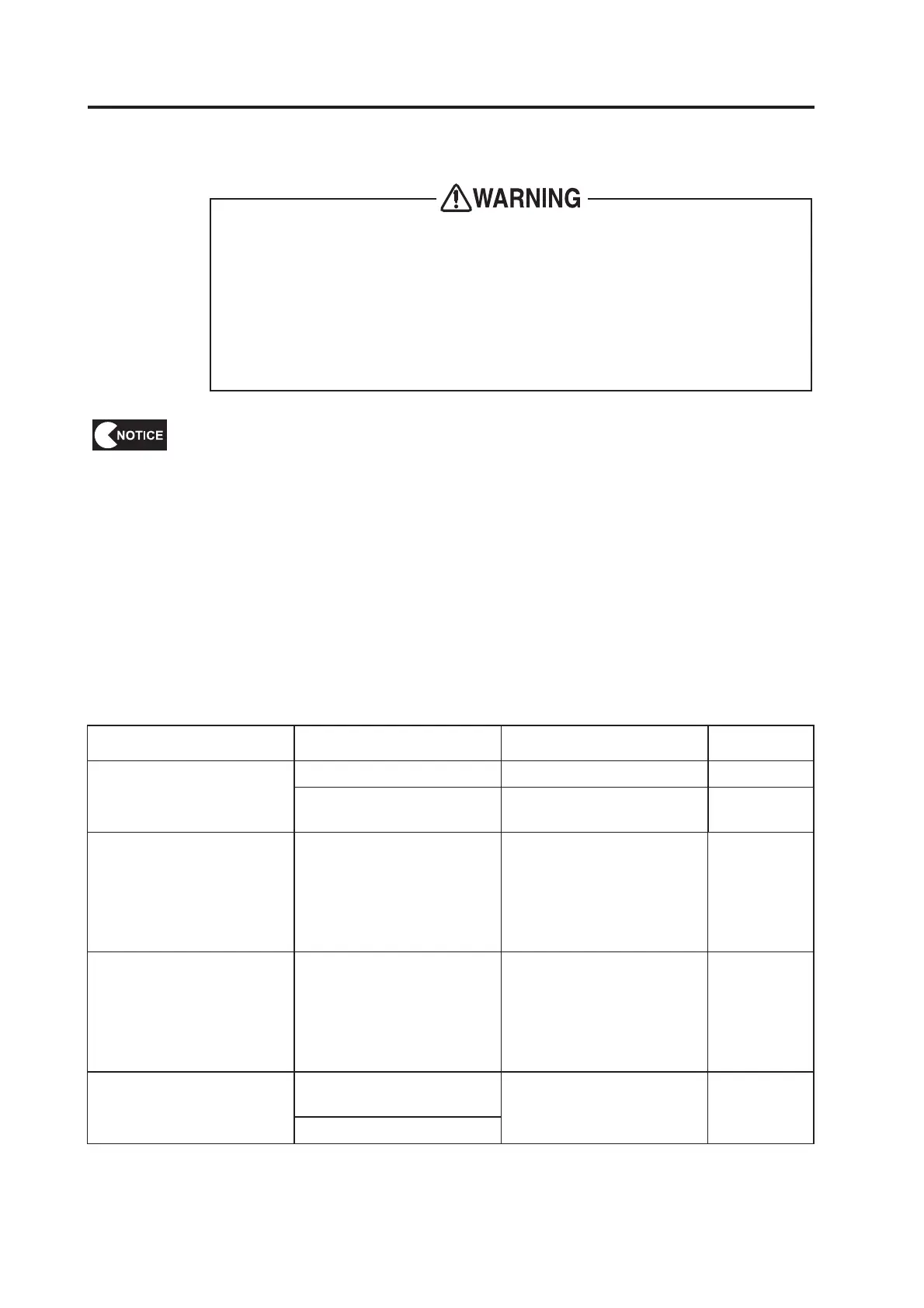
To avoid electric shock, accidents or injuries to yourself or other people, or
damage to the electronic circuits, be sure to turn off the power switch before
starting work.
If the problem is not described in “8B-2 Troubleshooting” or the problem persists
despite taking the appropriate action, turn off the power switch immediately to
stop operations and contact your distributor. Continuing operations may result
in an accident.
  
securely.
Repair of the PC boards will be performed by your distributor, so never perform a
continuity check of a board with a tester or any other tool. The IC may be damaged
by the internal voltage of the tester.
To order repairs or parts, contact your distributor.
When sending parts for repair, be sure to pack them properly. Particularly when
sending the Game PC Board, wrap the part in sponge or air bubble wrapping before
packing it in a cardboard box. Make sure that the box is not exposed to outside
pressure.
Symptom Cause Action Reference

      
   

 

 


 





 

 





 





 

 

 

 

Table of Contents

Related product manuals