74
— Must be performed by a technician —
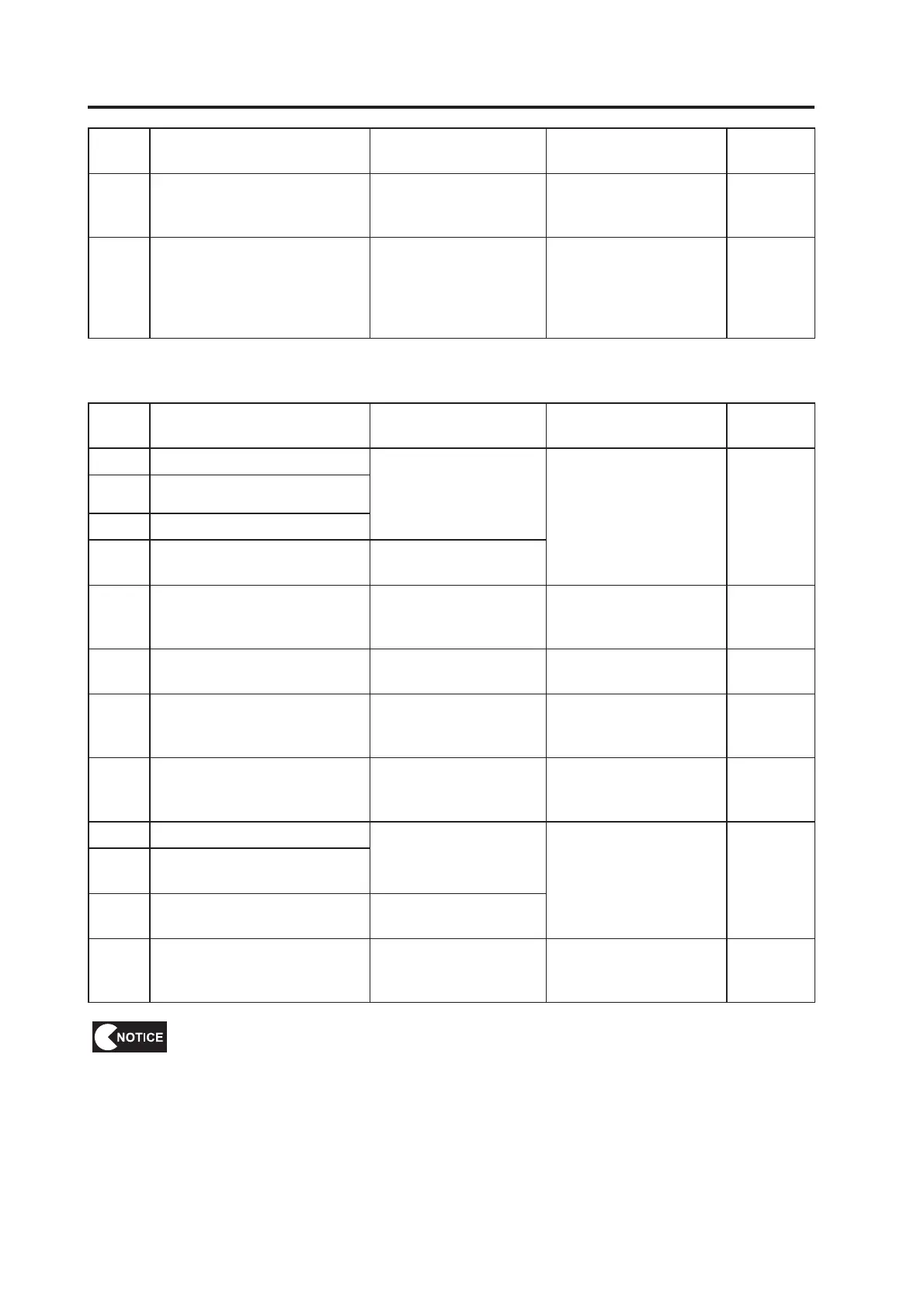
Error
code
Error message Cause Action
Reference
page
NETWORK CONNECTION
UNSTABLE
operation has not been
performed.
Perform the update required
for operation.
INITIAL NETWORK
after installation.
connection.
(2) Steering Assembly Errors
Error
code
Error message Cause Action
Reference
page
22-01 STR PCB OVERRUN ERROR
communication data.
board.
Page 91
22-02 STR PCB FRAMING ERROR
22-03 STR PCB PARITY ERROR
22-04 STR PCB RAM ERROR
STEERING VOLUME DAMAGE
ERROR
The steering assembly
analog potentiometer is
damaged.
potentiometer.
STR PCB OVER CURRENT ERROR
board.
Page 91
STEERING VOLUME
CONNECTION ERROR
The steering assembly
analog potentiometer is not
connected.
potentiometer connection. Page 83
STEERING VOLUME OVER SPEED
ERROR
The steering assembly
analog potentiometer is not
damaged.
potentiometer.
MOTOR CURRENT ERROR
current.
22-10
MOTOR CURRENT SENSOR
ERROR
22-11 MOTOR POWER ON ERROR
22-12 STR PCB LINK ERROR
possible.
board connection. Page 91
then on again.
If the error persists, check the connections and operation of each part.
When turning the power switch off and then on again, wait 30 seconds or more
between operations to protect the electronic circuits.


 To Next Page
 Loading...