Nasuni Edge Appliance Initial Configuration Guide 8.3 64
Accessing Volumes Web Access
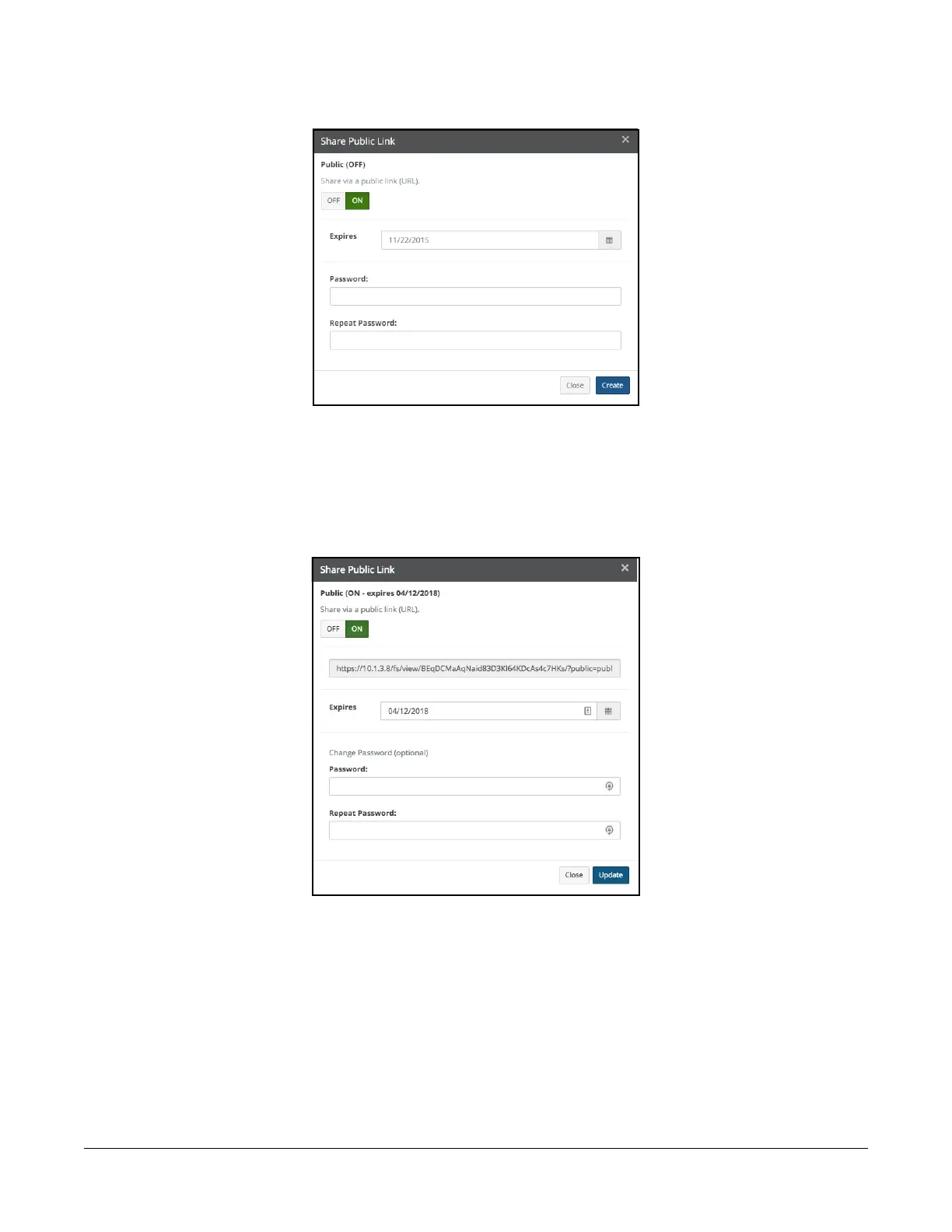
The Share Public Link dialog box appears.
Figure 2-13: Share Public Link dialog box.
Note: If “Shared Link Global User” is enabled for this share, the link URL also appears in this
dialog box.
Click On, then select an expiration date and the type of access. If a password is required, enter the
password for this item. Click Create. The Share Public Link dialog box appears, displaying the shared
link URL.
Figure 2-14: Share Public Link dialog box with shared link URL.
You can copy the text of the link URL for use elsewhere. The link opens an instance of Web Access and
displays the linked object. The link works only until the specified expiration date. If a password is
required, the password must be entered to access the linked object.



 To Next Page