11
Nautilus® Pro Series Elliptical Assembly Manual
ASSEMBLY PROCESS
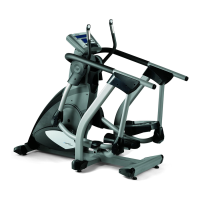
Step 3: Attach Side Rails
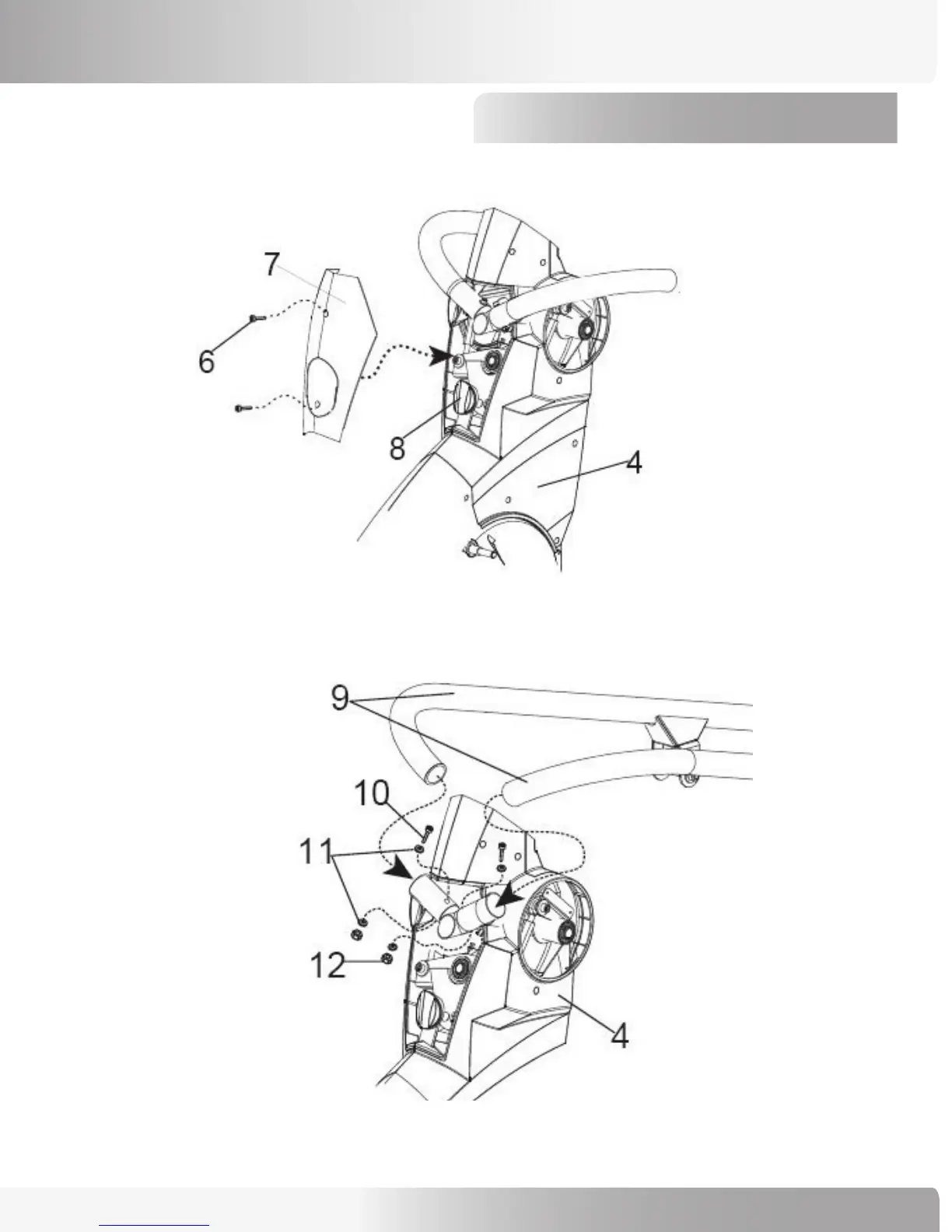
3-1 Unthread lockout knob (#8), remove (2) phillips head screws (#6), linkage cover (#7) and set aside.
3-2 Use (2) 70mm Hex Head Bolts (Ref #10), (4) M8 Washers (Ref #11) and (2) M8 Locking Nuts (Ref #12) to
attach the left and right Side Rails (#9) to the Base Unit (#4). Leave hardware only hand-tight.
NOTE: Take care not to drop parts into the shroud, as you will have to disassemble the entire shroud to
remove the dropped parts.
Base Unit
Linkage Cover
Side Rails
Base Unit


 To Next Page