19
Nautilus® Pro Series Elliptical Assembly Manual
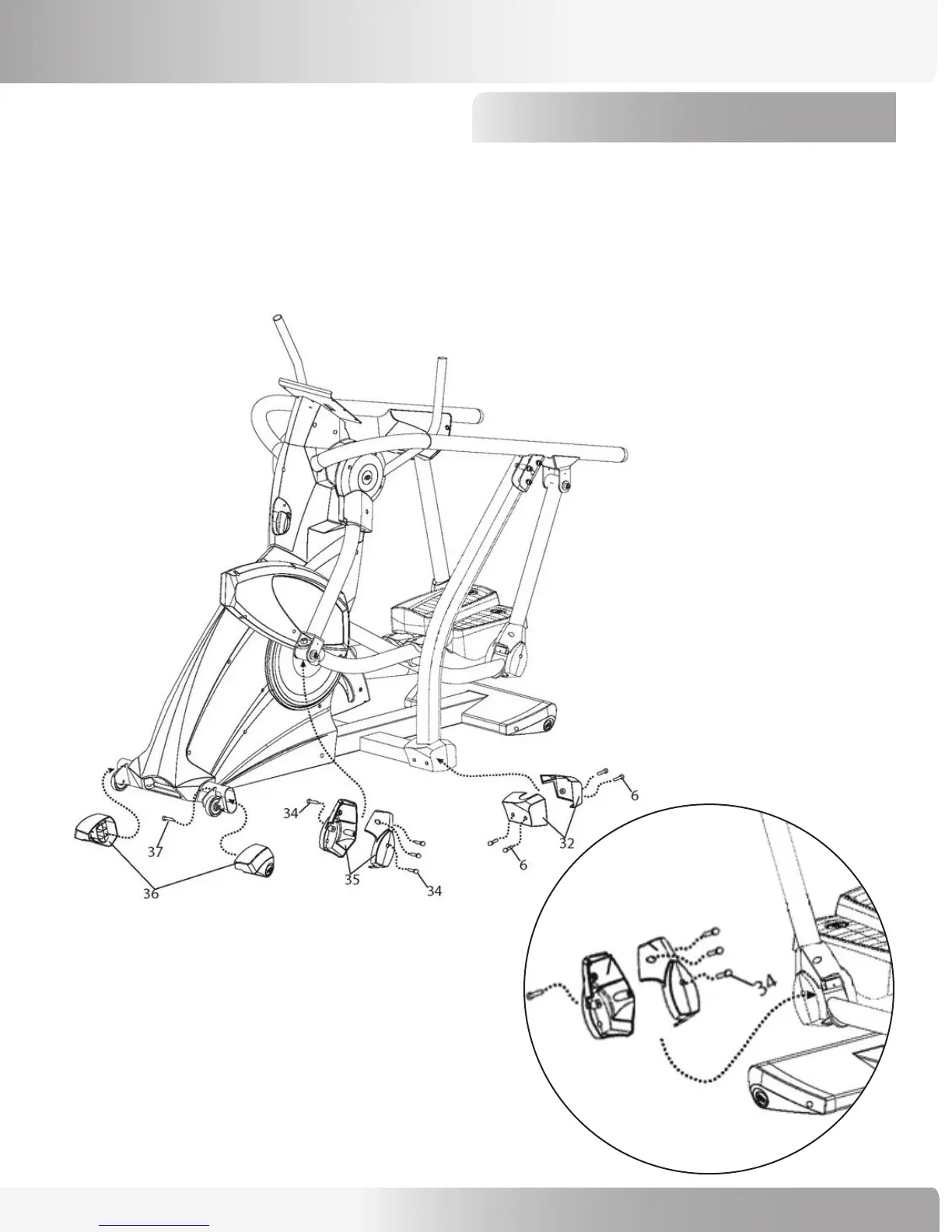
Step 12: Install Pivot Covers and End Caps
ASSEMBLY PROCESS
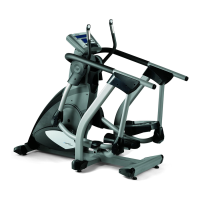
12-1 Use (8) 15mm Phillips Head Screws (Ref #6) to install the Left and Right Upright Caps (#32).
12-2 Use (8) 10mm Phillips Head Screws (Ref #34) to install the Left and Right Front Pivot Covers (#35).
12-3 Use (2) 15mm Machine Screws (Ref #37) to install the Left and Right Stabilizer End Caps (#36).
NOTE: Insure that the 15mm Machine Screws (Ref #37) are used in Step 12-3 or a clicking noise will result.
NOTE: Right and left side covers are interchangeable.
One side of machine will use one screw on the
outside of the cover and three on the inside, while
the other side will have three on the outside and
one on the inside.


 To Next Page