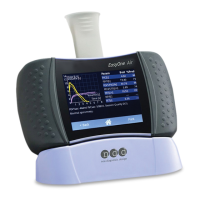
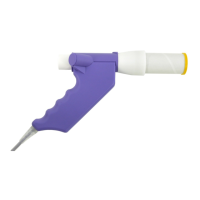
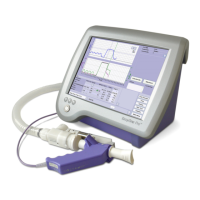
Fig. 3-19 Slow vital capacity acquisition screen
a Selected test parameters
bPredicted values
c Volume-time curve area
d Start button
e Test information and system interpre-
tation area
f Click for a retrospective test evaluation
or to expand the parameter list (see
"Retrospective Test Assessment, Enter-
ing Comments" on page 97)
g Click to view additional information
h Click to perform a new test, to view the
patient's test list, to select a new
patient and to print a test


 To Next Page