System Overview 1-3
Around the Front of the System
The NEC Versa is a compact notebook with features on every side. The following sections
describe front features, beginning with the liquid crystal display (LCD) panel.
LCD Panel
The NEC Versa VXi comes with a color LCD panel that is adjustable for a comfortable viewing
position. The LCD panel is available with a 12.1-inch Super Video Graphics Array (SVGA)
color display or a 13.3/14.1-inch Extended Graphics Array (XGA) color display. Each screen is
TFT (thin film transistor) for sharp, bright imagery and text.
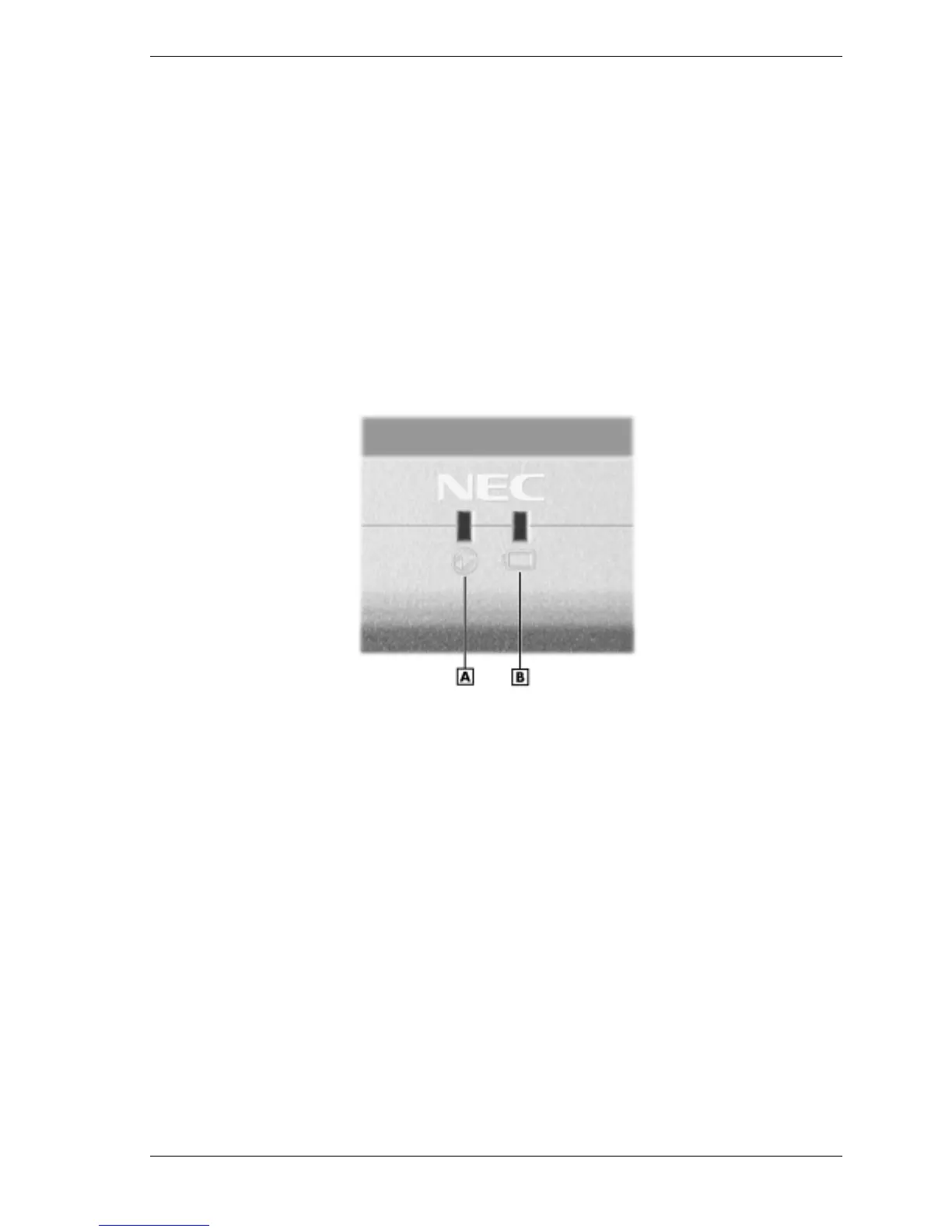
The power and battery charging status LEDs (identified by icons) are located just under the front
of the LCD panel. The status LEDs are duplicated on the back of the LCD panel to allow
viewing when the panel is closed.
Power and battery charging LEDs
A – Power LED B – Battery Charging LED
The power LED lets you know that system power is on. The LED is positioned so that you see
the power state whether the LCD panel is opened or closed. The LED
!
lights green when the system is powered on with the AC adapter, battery, or auto adapter
!
lights green when on and has normal battery power
!
lights yellow when on and low (8% to 4%) battery power
!
lights amber when in Windows 98/2000/NT Standby mode, Windows NT Suspend mode,
and very low (4% or less) battery power.
The battery charging LED lights to indicate battery charging status. The LED
!
lights amber to indicate the battery is charging
!
blinks amber to indicate an error
!
lights off to indicate the battery is fully charged.



 To Next Page