3-22 Disassembly and Reassembly
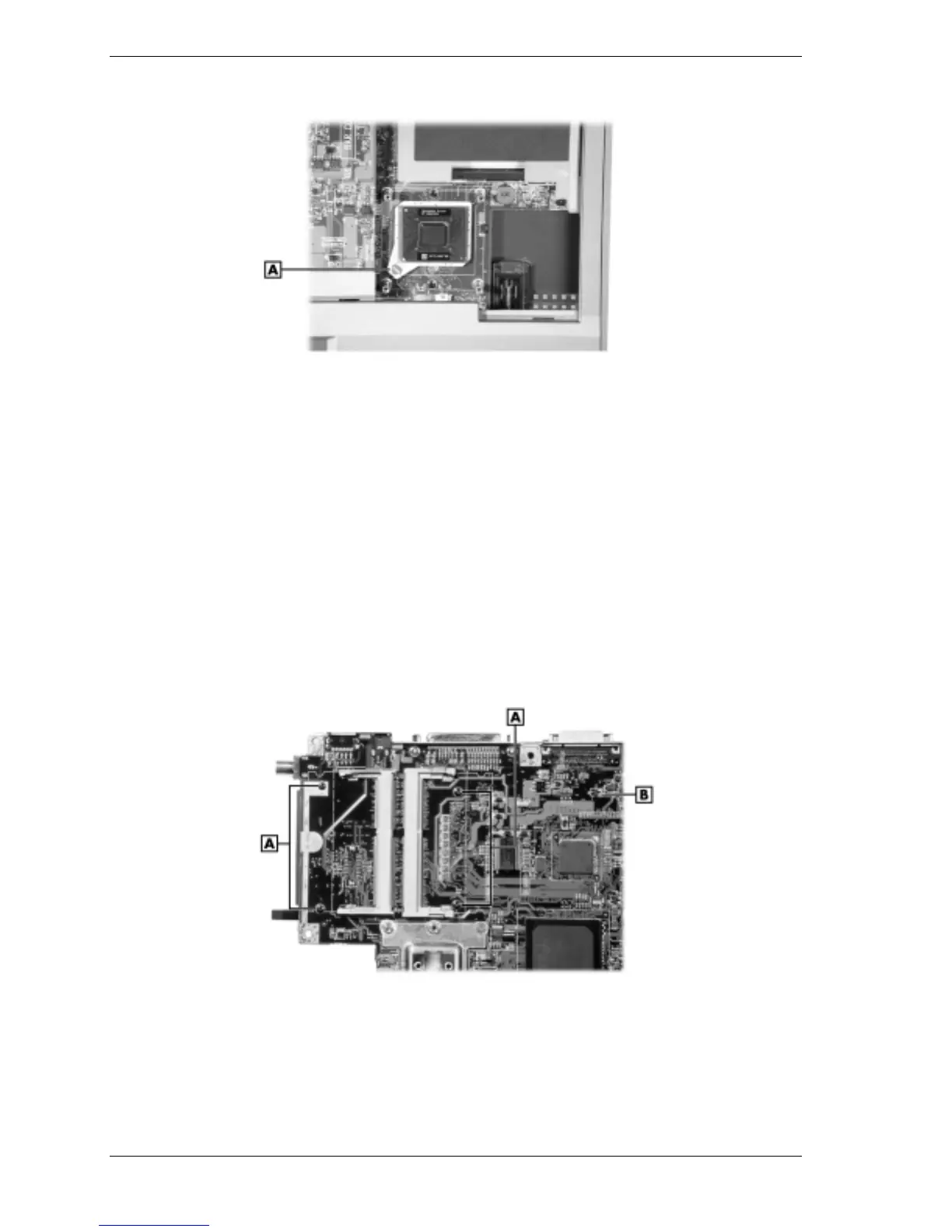
Releasing the CPU
A – Locking Screw
PC Card Assembly
Remove the PC card assembly as follows.
1.
Remove any PC cards that might be in the PC card assembly.
2.
Remove the LCD panel, keyboard, heat plate, top cover, audio board, I/O board, diskette
drive, Kensington lock latch, and main board from the system.
3.
Turn the main board over.
4.
Remove both memory modules, if installed.
5.
Locate and remove the four screws that secure the PC card assembly to the main board.
Removing the PC card assembly screws
A – Screws B – Main Board (back)
6.
Unplug the PC card assembly from connector P2 on the main board and remove the
assembly.



 To Next Page