3-4 Disassembly and Reassembly
Memory Module
Remove the memory module as follows.
1.
Power off the system and disconnect any peripheral devices.
2.
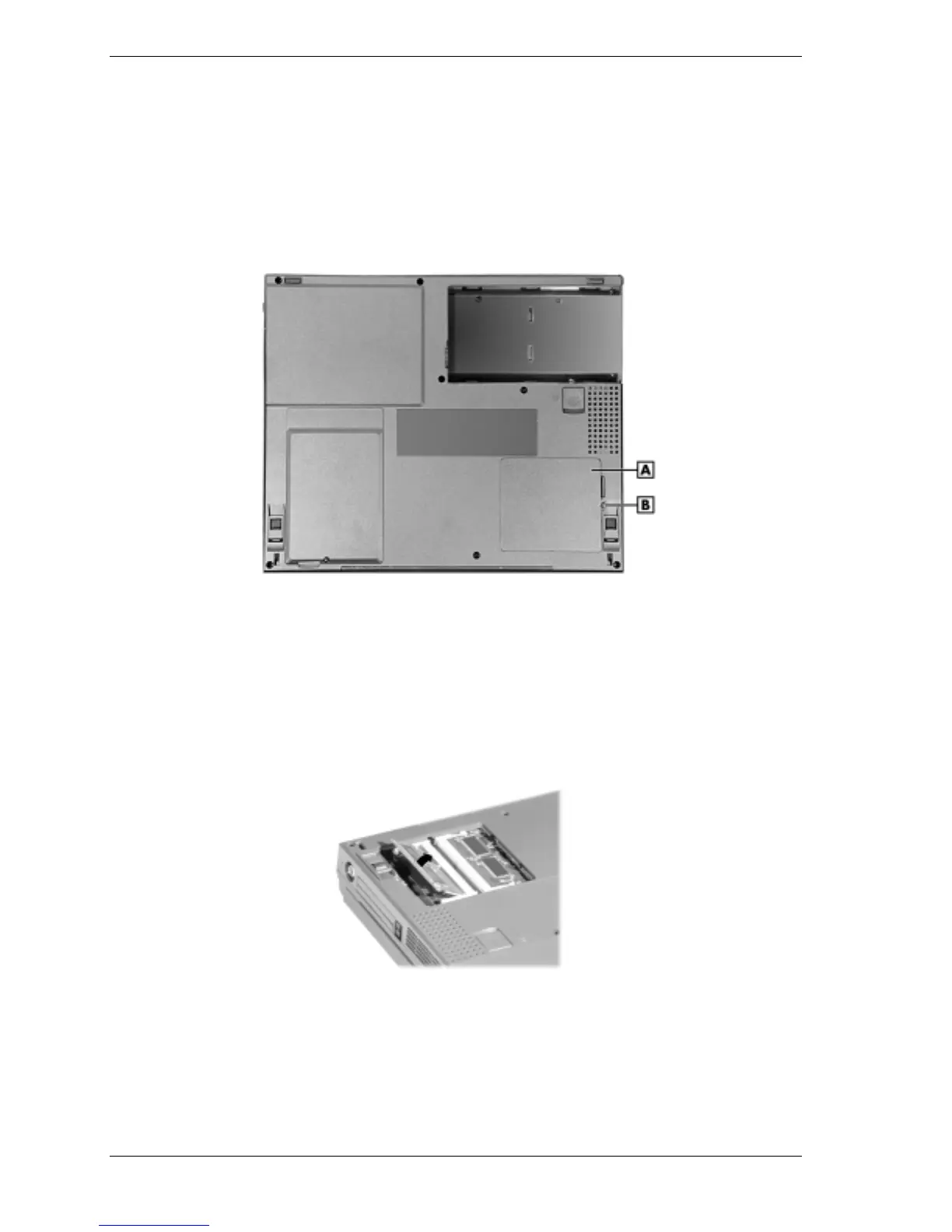
Turn the system over and locate the screw on the memory bay.
Memory bay cover and screw
A – Memory Bay Cover B – Screw
3.
Remove the screw and lift off the memory bay cover.
4.
To remove a module, press the locking tabs away from the sides of the module until the
module pops up. Remove the module.
Removing the SO-DIMM memory module



 To Next Page