3-18 Disassembly and Reassembly
CMOS Battery
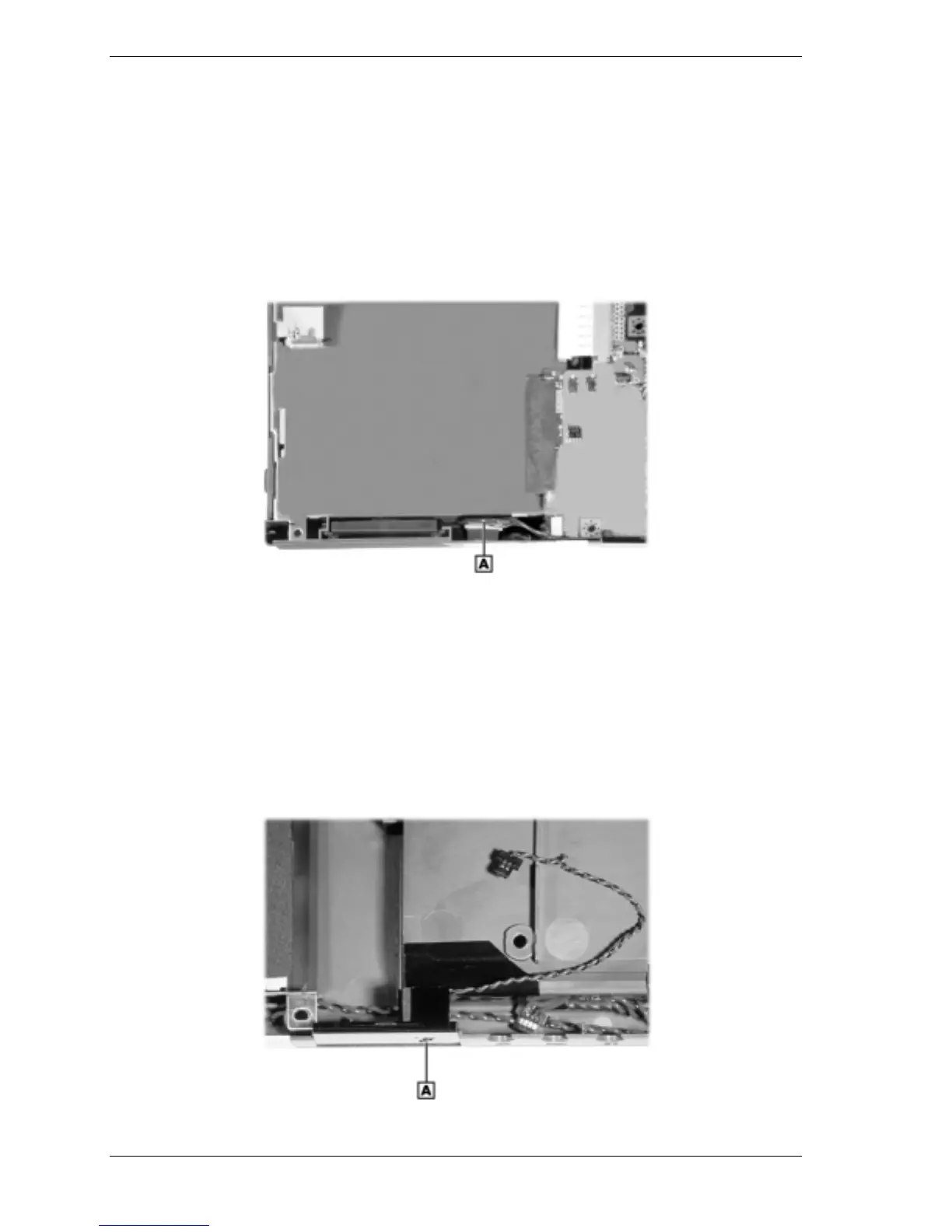
Remove the CMOS battery as follows.
1.
Remove the LCD panel, keyboard, heat plate, top cover, audio board, and I/O board from
the system.
2.
Remove the CMOS battery from the front of the base assembly. It is secured with two-sided
tape.
Removing the CMOS battery
A – CMOS Battery
Microphone
Remove the microphone as follows.
1.
Remove the LCD panel, keyboard, heat plate, top cover, audio board, and I/O board from
the system.
2.
Lift up and remove the microphone assembly from the front of the base assembly.
Removing the microphone assembly
A – Microphone Assembly



 To Next Page