System Overview 1-5
!
Use the Power button in the following ways:
— Press the Power button to power on.
— Press the Power button to resume from Standby (Windows 98/2000) or Suspend
(Windows NT) mode and proceed with normal operation.
— Hold the Power button in place for 4 or more seconds to initiate power override
(powers off the system). Only use this option if you cannot power off the system using
Start, Shutdown.
Status Icons
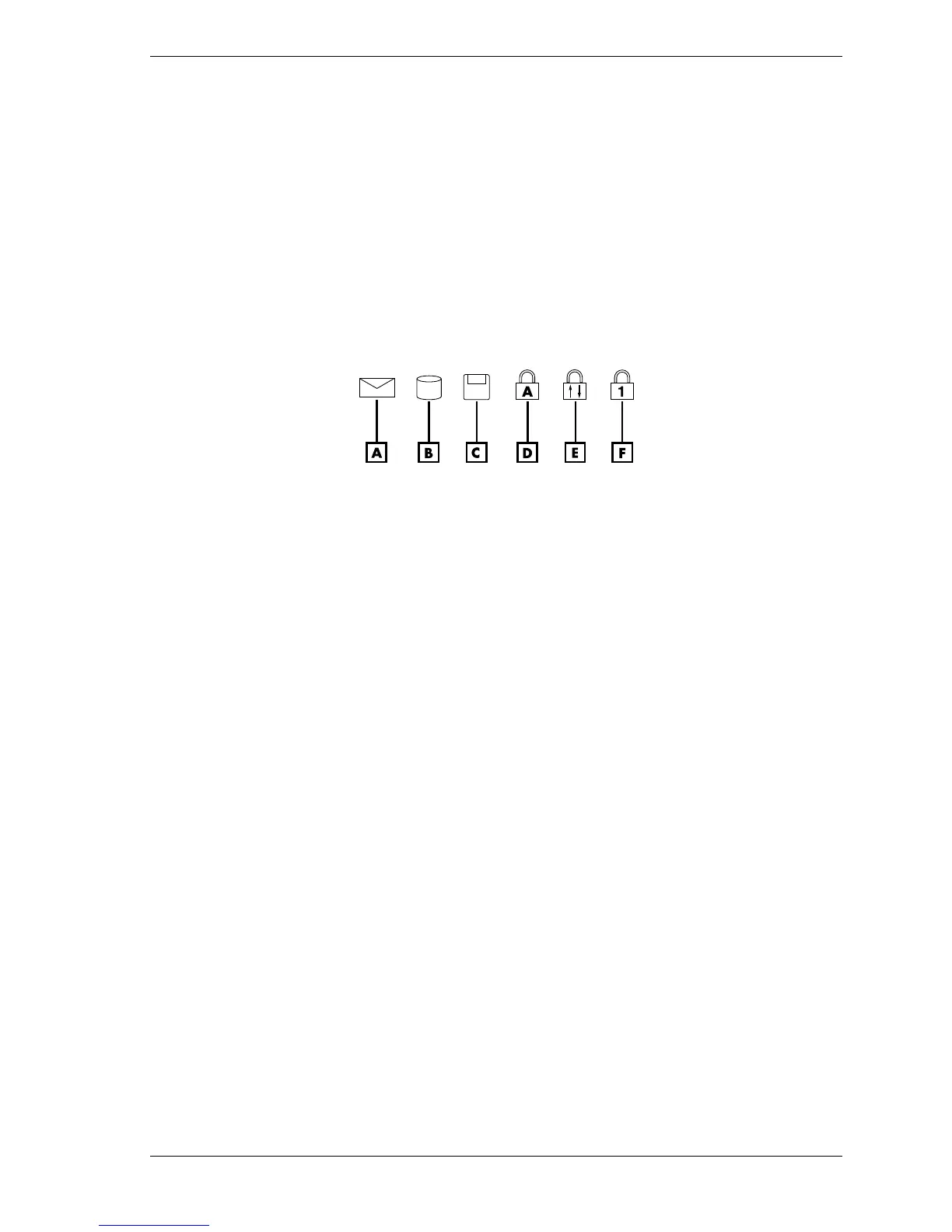
The NEC Versa VXi system uses status lights marked with icons to communicate system status.
See the following figure and list for each icon’s meaning.
Status LED Icons
A – New Email Notification D – Caps Lock
B – Hard Drive Access E – Scroll Lock
C – Diskette Drive Access F – Num Lock
!
New Email Notification — lights when new email arrives; stays lit until new messages are
read.
!
Hard Drive Access — lights when the NEC Versa VXi accesses the hard disk drive,
CD-ROM drive, or DVD-ROM drive.
!
Diskette Drive Access — lights when the NEC Versa VXi writes data to or retrieves data
from the diskette drive.
!
Caps Lock — lights when caps lock is in effect.
!
Scroll Lock — lights when scroll lock is in effect (not supported in U.S./Canada).
!
Num Lock — lights when Num Lock mode is active.



 To Next Page