Disassembly and Reassembly 3-5
Mini PCI Card
Remove any installed Mini PCI board as follows.
1.
Power off the system and disconnect any peripheral devices.
2.
Turn the system over and locate the screw on the PCI LAN/modem card bay cover (see the
figure in “Around the Bottom of the System” in Chapter 1 for cover location).
3.
Remove the screw and lift off the bay cover.
4.
Locate and remove the three screws fastening the Mini PCI board to the main board.
5.
Lift the board straight up to unplug it from P22 on the main board.
6.
Turn the board over and unplug the cable from JP2.
7.
Remove the board from the system.
Hard Disk Drive
Remove the hard disk drive as follows.
1.
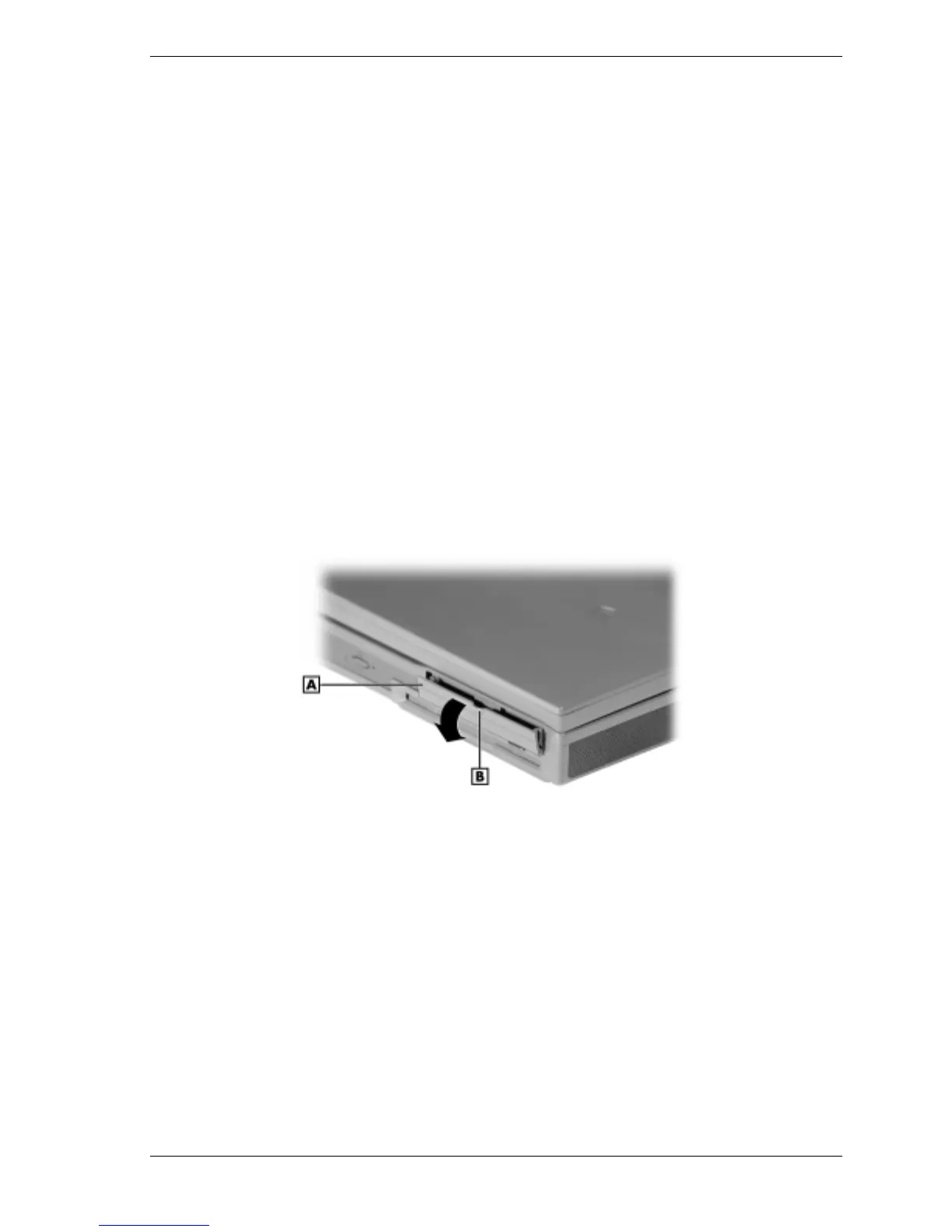
Locate the drive access panel on the left side of the system. Open the panel by pressing
down on the release.
Opening the panel
A – Drive Access Panel B – Release
2.
Remove the screw that secures the hard disk in the system (see the following figure).



 To Next Page