© by NECTA VENDING SOLUTIONS SpA
07-2002 148 03
33
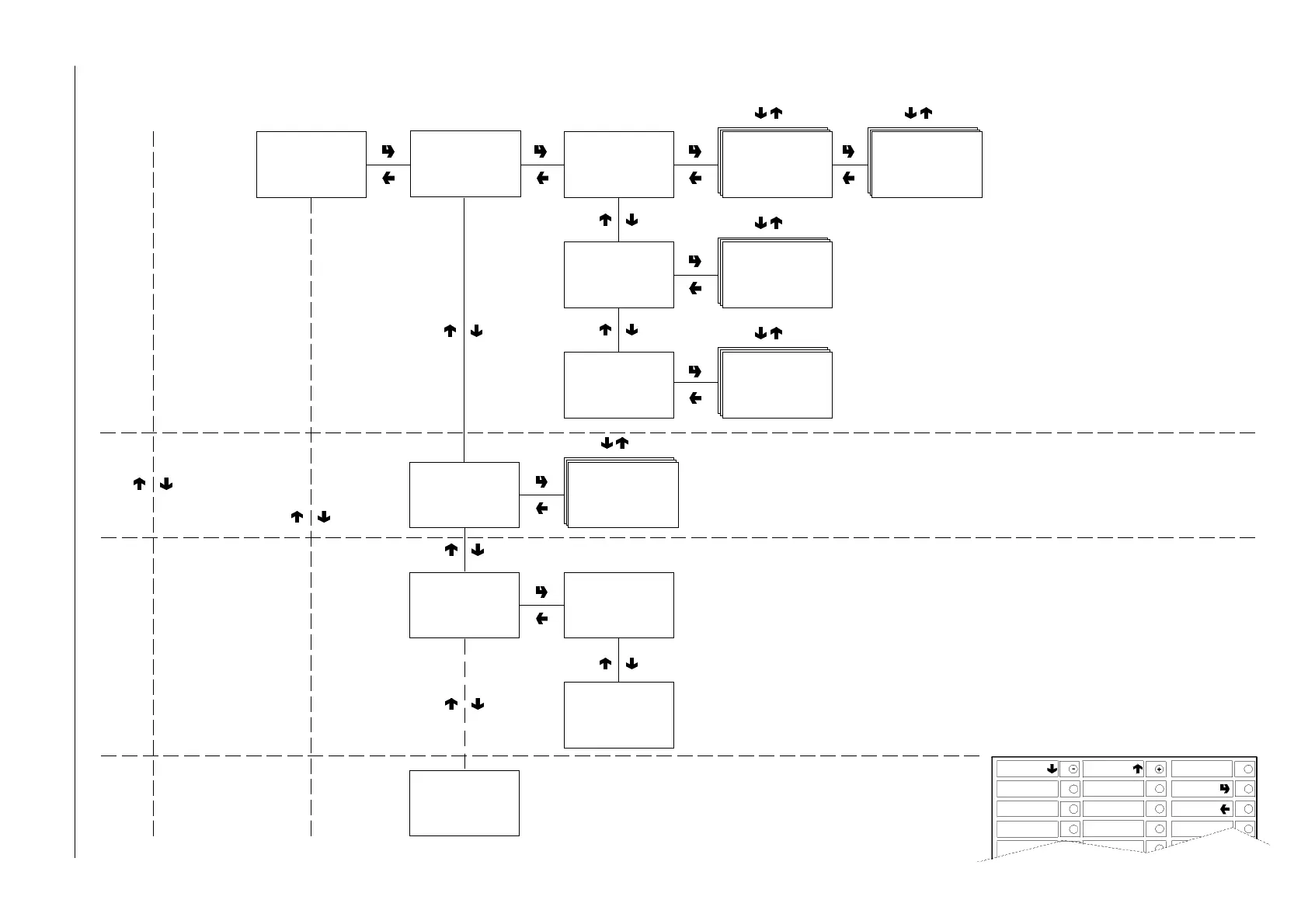
Filler menu - Summary
Display sales by single
selection for each time band
and total
Display total sales by single
selection
Display total complete sales
in normal operation and filler
menu mode
TOTAL STATISTICS
FILL>1.3
Display statistics
FILL>1.3.1
Display sel. counter
FILL>1.3.1.1
Display single counter
FILL>1.3.1.1
Display single counter
Selection 1-#
FILL>1.3.1.1
Display single counter
Selection 1-#
Band # = ####
FILL>1.3.1.2
Display total counter
FILL>1.3.1.2
Display total counter
Selection 1-#
Tot. = ###
FILL>1.3.1.3
Display sel. counter n.o.
Complete sel. n.o./maint
Tot. = ###
FILL>1.3.1.3
Display sel. counter n.o.
Value of discount and
overprice
FILL>1.3.3
Display discount
overprice counter
FILL>1.3.3
Display discount
counter
Tot. = ####
FILL>1.3.2
Display count.
by time bands
FILL>1.3.2.x
Count. by time bands
Band 0÷4
Counter = ###
Value of sales by time band
FILL>1.3.3
Display overprice
counter
Tot. = ####
FILL>1.3.4
Display failures











 To Next Page