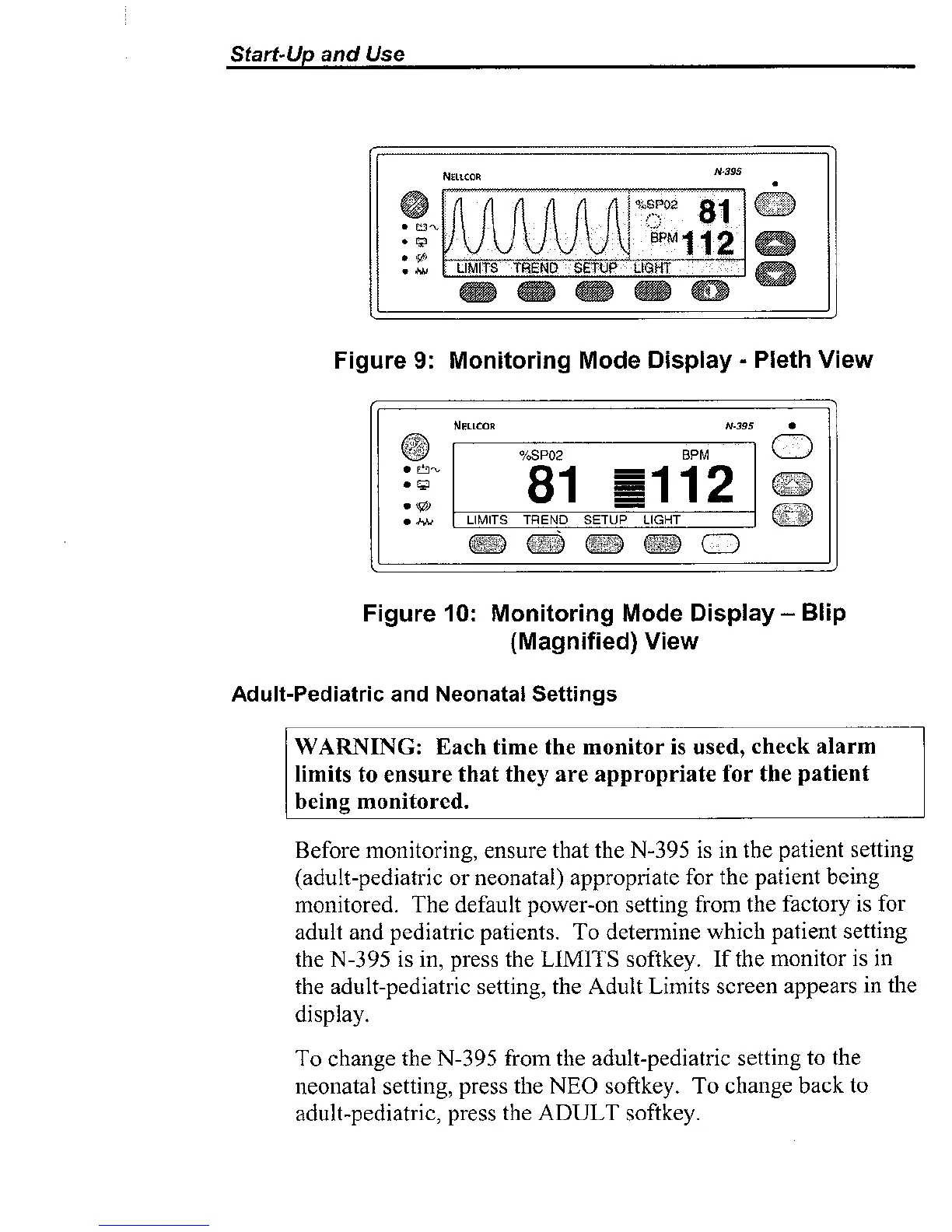
Figure
9:
Monitoring Mode Display
-
Pleth
View
Figure
10:
Monitoring Mode
Display
-
Blip
(Magnified)
View
Adult-Pediatric and Neonatal Settings
WAWING:
Each time the monitor is used, check alarm
limits
to
ensure that they are appropriate for the patient
being monitored.
Before monitoring, ensure that the N-395 is in the patient setting
(adult-pediatric or neonatal) appropriate for the patient being
monitored. The default power-on setting from the factory is for
adult and pediatric patients. To
determine which patient setting
the N-395 is in, press the
LIMITS
softkey. If the monitor is in
the adult-pediatric setting, the Adult Limits screen appears in the
display.
To change the N-395 from
the adult-pediatric setting to the
neonatal setting, press
the NEO softkey. To change back to
adult-pediatric, press the ADULT
softkey.



 To Next Page