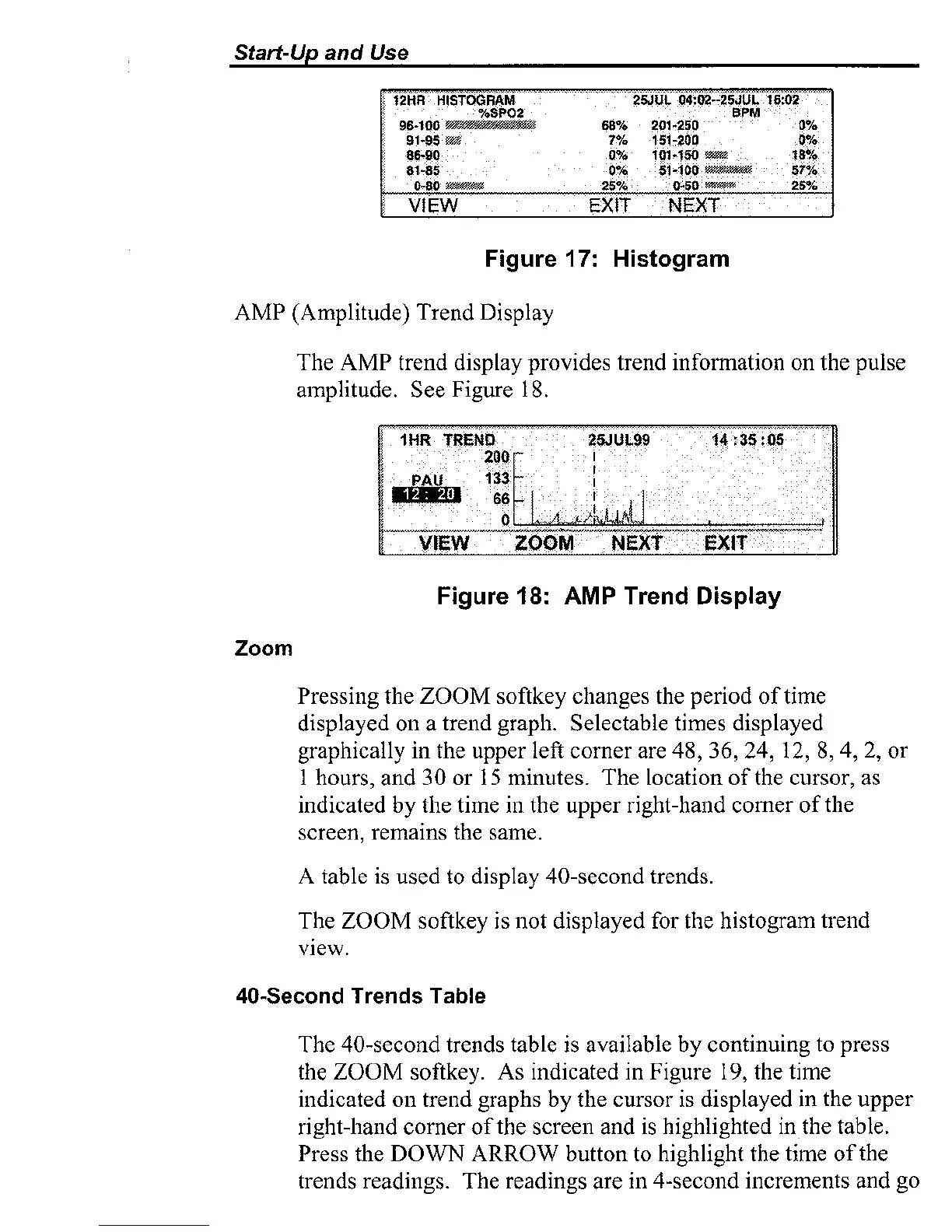
Figure
17:
Histogram
AMP (Amplitude) Trend Display
The AMP trend display provides trend
information on the pulse
amplitude. See Figure 18.
Figure
18:
AMP
Trend
Display
Zoom
Pressing the ZOOM softkey changes the period of time
displayed
011
a trend graph. Selectable times displayed
graphically in the upper left corner are 48,
36,24, 12, 8,4, 2, or
1 hours, and 30 or
15
minutes. The location of the cursor, as
indicated by the time in the upper right-hand
comer of the
screen, remains the
same.
A table is used to display 40-second trends.
The ZOOM
softkey is not displayed for the histogram trend
view.
40-Second
Trends
nble
The 40-second trends table is available by continuing to press
the ZOOM
softkey. As indicated in Figure
19,
the time
indicated on trend graphs
by
the cursor is displayed in the upper
right-hand corner of the screen
and is highlighted in the table.
Press the DOWN ARROW button to highlight
the time of the
trends readings. The readings are in 4-second i~lcremeiits and go



 To Next Page