N723-EA Hardware User Guide
Chapter 5 Application Interfaces
Copyright © Neoway Technology Co., Ltd. All rights reserved.
Note that an ESD component should be added to protect the USB_BOOT pin.
5.2.4 SLEEP
The SLEEP pin is used to control sleep mode of the module, it needs to be used together with the AT
commands. For details, see the Neoway_N723-EA_AT Command Manual. In sleep mode, the module
can also respond to incoming call, SMS, and data service in time.
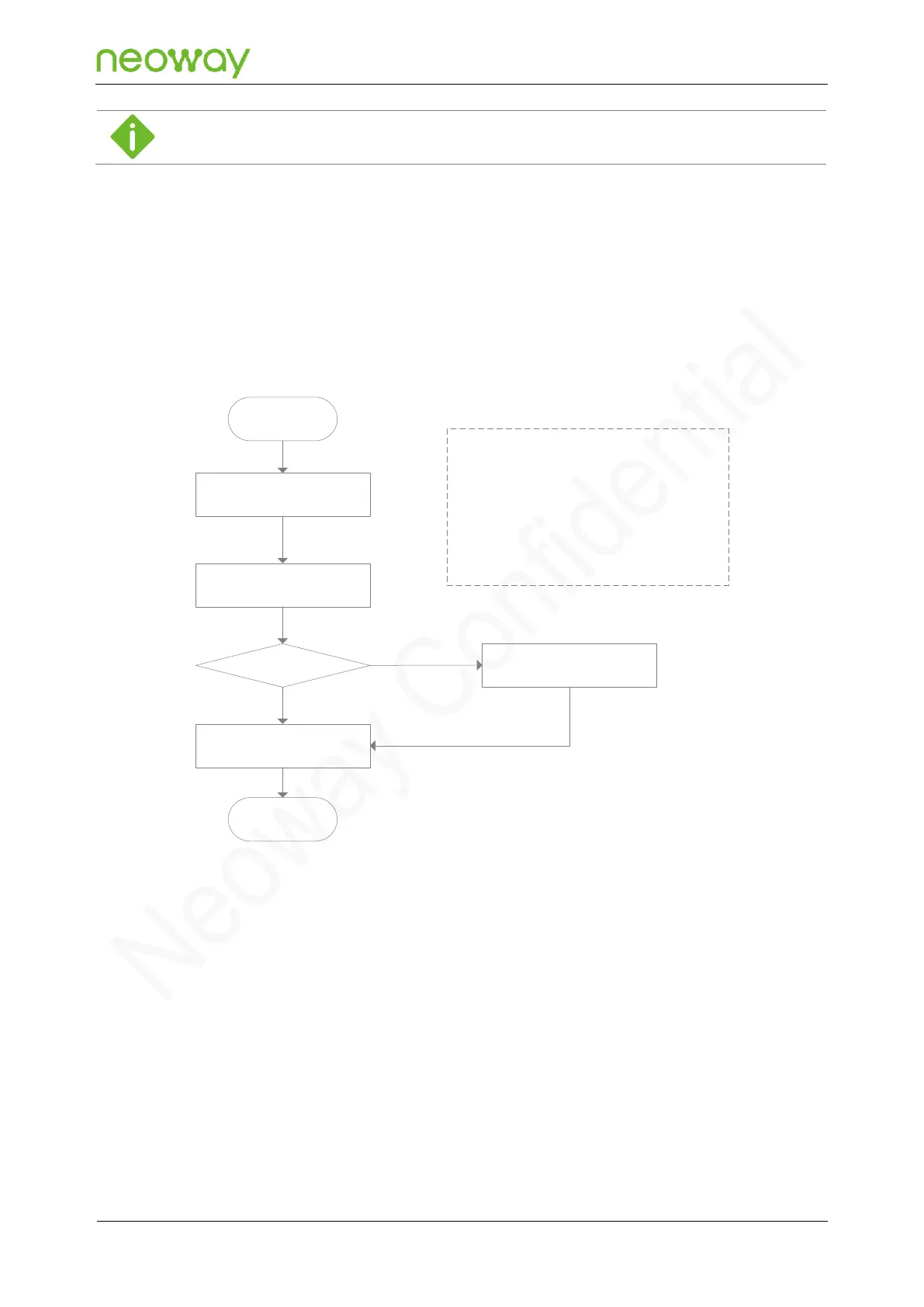
The following figure shows the process of entering sleep mode:
Figure 5-14 Process of entering the sleep mode
<n>
0: Forbid sleep mode
1: Allow to enter sleep mode
Enter sleep mode at low level
Exit from sleep mode at high level
2: Allow to enter sleep mode
Enter sleep mode at high level
Exits from sleep mode at low level
Initialization
completed
AT+ENPWRSAVE=<n>
Whether the module
is in idle state
Pull SLEEP high/low.
Enter sleep mode.
End
Processing current
services
Y
Y
N
The following figure shows the process of exiting from sleep mode:


 To Next Page