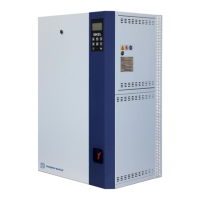
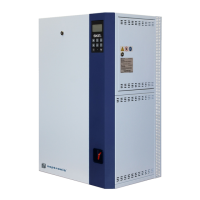
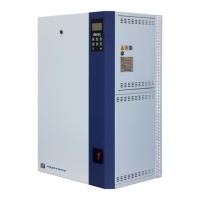
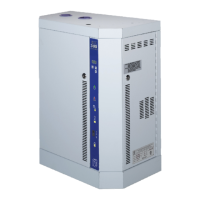
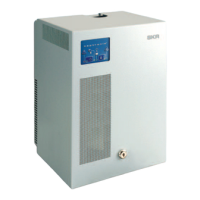
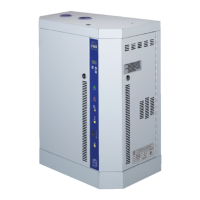
SKE4-E Steam Humidifier
Installation Instructions and User Manual
Range
(* indicates no configuration; display only)
* (Operational, Operational Read-Only,
Download required, Download in progress,
Non-operational, Backup in progress)
Displays the current system status.
Displays the name of the vendor of the product. (Always Neptronic)
Displays the humidifier model name.
Displays the current firmware core version.
Displays the current application software version.
Displays the serial number of the humidifier.
Displays a short profile for the configured device.
* (min: 0.0%, max: 100.0%)
Displays the current microcontroller load.
* (min: 0.0%, max: 100.0%)
Displays the current memory load.
* (min: 0 sec, max: 999999999 sec)
Displays the number of seconds that the system has been powered on. This
value is reset every time the system is shut off.
* (None, BOR, Pin, POR, Soft, IWDG,
WWDG, LPWR, Unknown)
Displays the reason for the previous system reset:
None = No Reset; BOR = Brownout Reset; Pin = Pin Reset (using PCB
Reset Button); POR = Power-on Reset; Soft = Software Reset; IWDG =
Independent Watchdog;
WWDG = Windowed Watchdog; LPWR = Low Power Reset; Unknown =
Unknown Cause


 To Next Page