BTS User Manual
Neware Technology Ltd.
http://www.newarebattery.com
Status of serial port check
Print channel status <Channel number>
Step parameter <Channel number> <Step sequence number>
3.3. Uninstall
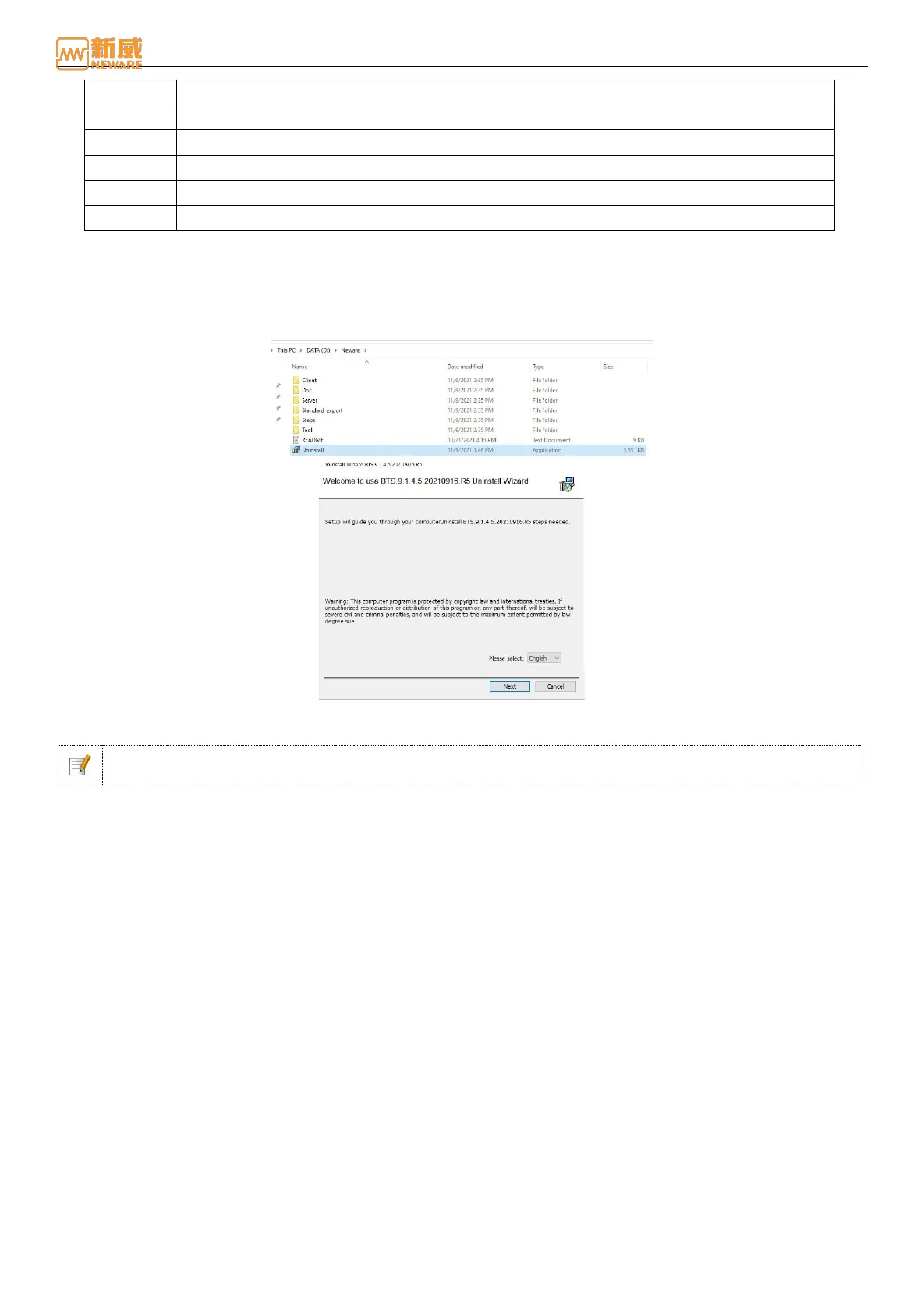
Through the control panel or software directory “Uninstall.exe” program,you can un-install the software.
Uninstall the software through the control panel. The steps are as follows: Click the "Start" menu "All Programs" "Neware"
"Uninstall" Click to open As shown below, click Next to uninstall:
Figure 3-17 Software delete interface
After the software is uninstalled, manually clear the software folder to delete the software and test information.
Notice: Back up test data before delete. During delete, data may be damaged or compatibility problems
may occur due to edition differences.



 To Next Page