BTS User Manual
Neware Technology Ltd.
http://www.newarebattery.com
Chapter 6 BTSDA Data Analyzing Software
BTSDA----Battery Testing System Data Analyzeris the battery detection system's data analysis software, with a variety of
data analysis and processing functions, through the curve-data-operation record associated way will curve and data display
in one interface, intuitive and simple.
1. Description of functions
Data analysis software, designed for data view, analyze, and generate reports, etc. The following table describes the
functions of the software:
Form 8 BTSDA functions
Curve-data-log
association and
location
There is a bound relationship between the data area and the recorded data in the curve area,
that is, double-clicking any point in the curve area/data area will find its associated
positioning data or curve record in the data area/curve area.
The data display area of the main interface of the software includes cyclic layer folding and
expanding, step layer folding and expanding, and record layer folding and expanding. The
test data can be analyzed by displaying the battery performance parameter settings.
Custom
curvilinear
coordinates
In the curve setting function, X, Y1, Y2, Y3, and Y4 axes represent the performance
parameters of the battery. Users can customize the parameters of the coordinate axes
according to their needs, so that the parameter curves in different combinations can provide
users with a variety of data analysis schemes.
In a large amount of data with multiple cycles, the segmented data viewing tool can be used
to realize the segmented data viewing with specific cycles.
According to the different needs of users, the test data can be exported to various forms of
reports. such as WYSIWYG reports, hierarchical reports, formation reports, regular reports,
custom reports, etc.
The DC internal resistance and the power value of any step (including pulse step) can be
calculated automatically, and the graphs and data reports of internal resistance can be
derived.
Log and channel
information
In the data display area, you can view the channel information corresponding to the current
test data and the execution process of the step. Logs can also be used to view unexpected
events and error information during channel testing.
Data and curves support file backup and printing. The exported files can be in Excel or
TXT. Or save it in NDA format.
The software supports Chinese and English. As the function of battery test system and
analysis software is gradually improved, the software can support upgrade function, good
compatibility, simple operation.
2. Overall logic
BTSDA consists of menu-bar, toolbar, graphics area and data area.
6.1. Open the Software
You can start the BTSDA. exe software in the following four ways:
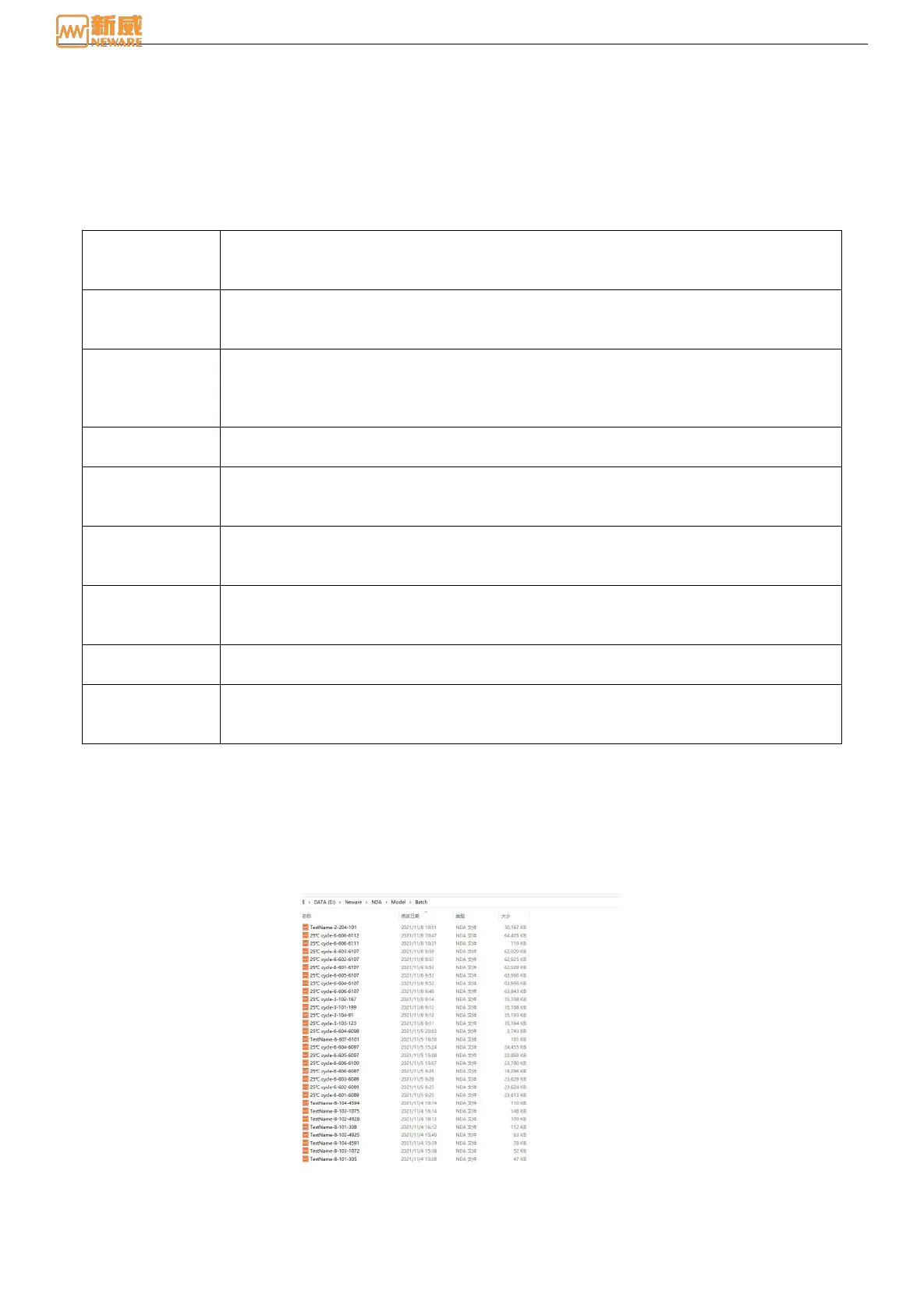
1. Open it on the installation path: In the client installation path, → double-click btsda. exe to start the BTSDA software,
click "File" → select "Open" → select the corresponding "*.nda" file."
Figure 6-1 Open-file
2. View data: The client automatically invokes the data analysis software to view and analyze the current channel
data. Select the data channel to be viewed → right-click → "View Data" to open the test data of the channel and view,
compare, and analyze the test data as shown below:



 To Next Page