BTS User Manual
Neware Technology Ltd.
http://www.newarebattery.com
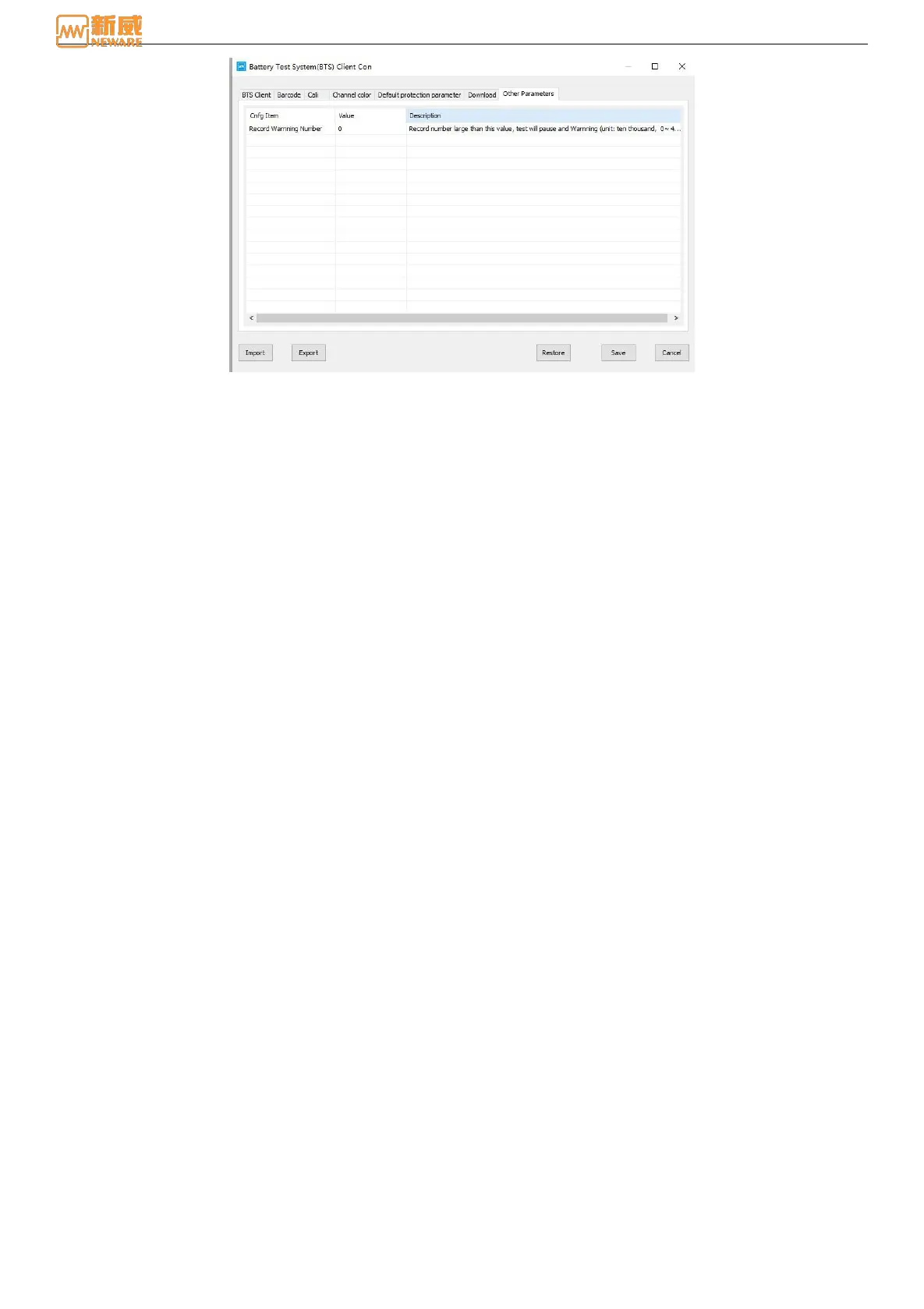
Figure 5-8 Other parameter configuration
5.8. Import/Export Configuration
1. Import configuration: On the configuration management page, click Import Configuration. The dialog box for
selecting a configuration file will be displayed. You can import the saved CONFIGURATION file in XML format to
the current configuration page.
2. Export configuration: On the configuration management page, click Export Configuration. The dialog box for
selecting the path to export the configuration file will be displayed. The current configuration is saved to the selected
directory in XML format.
3. Restore default: On the configuration management page, tap Restore Defaults to restore all current configuration items
to their default values. After restoring the default values, click Save for the settings to take effect.



 To Next Page