BTS User Manual
Neware Technology Ltd.
http://www.newarebattery.com
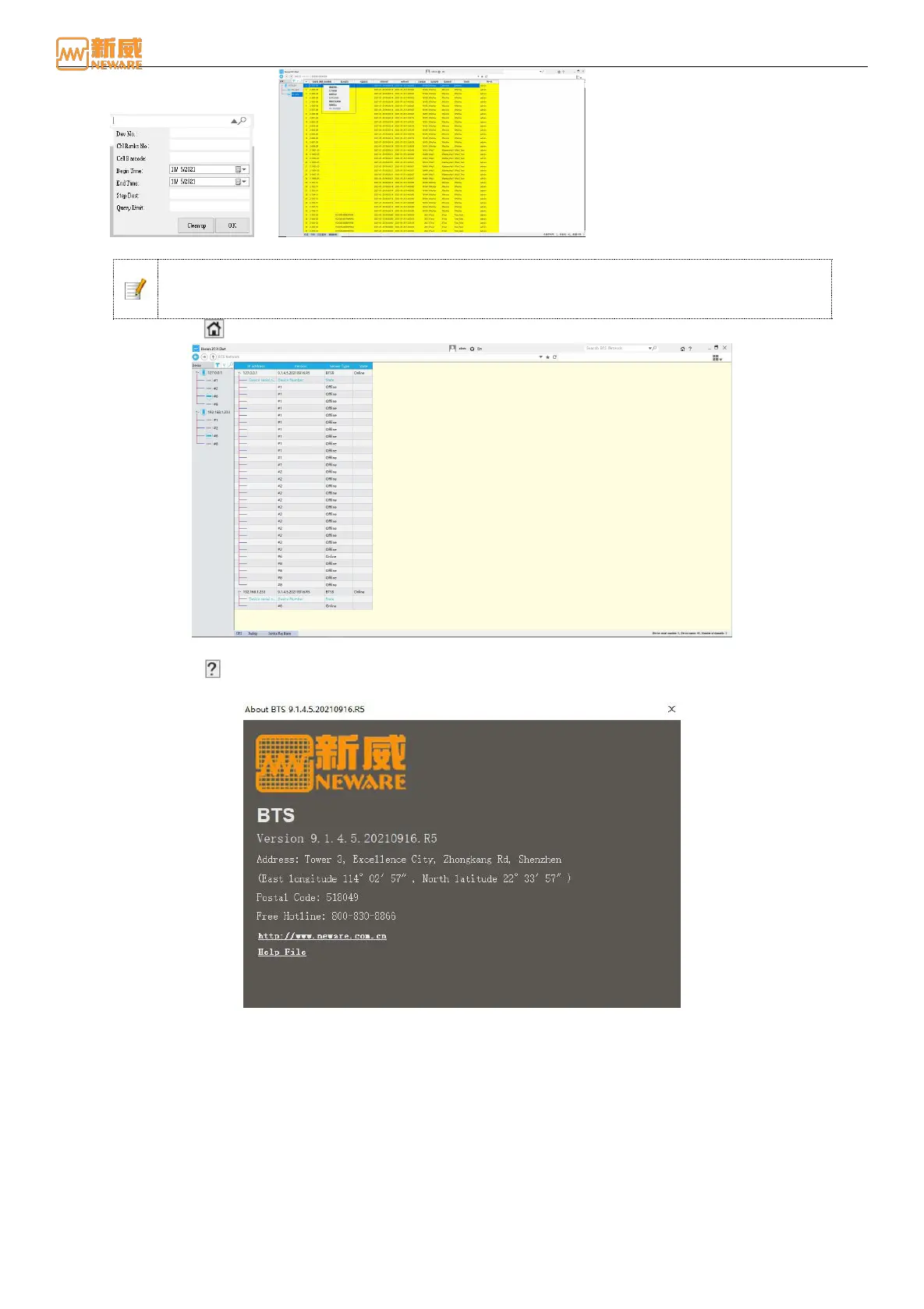
Figure 4-3 Search criteria setting Figure 4-4 Search result setting
Notice: Delete Historical Data will delete the corresponding data index in the database and
the corresponding NDA data. Data cannot be restored after being deleted. Therefore, use this
function with caution.
HOME Click : The main interface of the client is shown in the following figure:
Figure 4-5 HOME interface
About buttons : You can view basic information about the current client software, as shown in the following
figure:
Figure 4-6 About
1. Toolbar: Located below the title bar, from left to right are the back button, forward button, up button, address edit box,
history drop-down button, favorites button, refresh button, display mode switch button, display mode switch down
button, sidebar button.
Up button: Return to the upper directory, For example, the current directory is a secondary directory. Device No.
Interface (Device 2), If you return to the previous level, the level 1 directory is displayed, that is, the server IP
address page (127.0.0.1).
Address editor: Display the device address you are currently viewing. You can also add the address of the current
view to your favorites for future usage.
History draw down button: It mainly displays the corresponding addresses of different operation interfaces during
operation. You can select an address as required to switch between the operation interface and devices. As shown
in the figure below:



 To Next Page