BTS User Manual
Neware Technology Ltd.
http://www.newarebattery.com
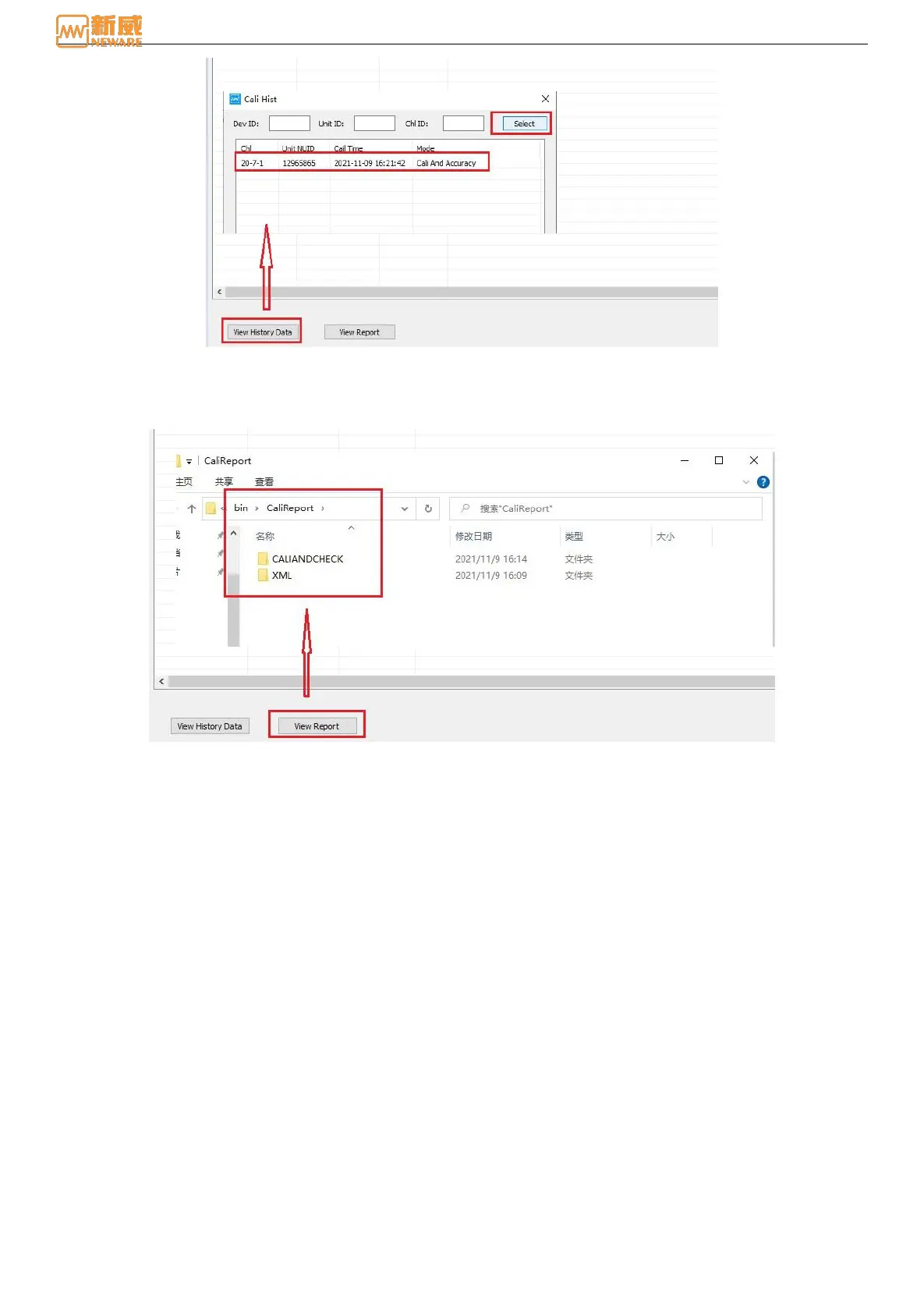
Figure 7-14 Calibration history
2. Viewing reports
Click the View Report button to automatically jump to the CaliReport folder under the installation directory, as shown
in Figure 7-15:
Figure 7-15 View report
CALI file: To store calibration report data. Double-click the calibration report to view the corresponding calibration
data: Channel number, calibration item, range percentage, control value, sampling value, true value, control KB,
sampling KB, as shown in the figure below:



 To Next Page