Page 8
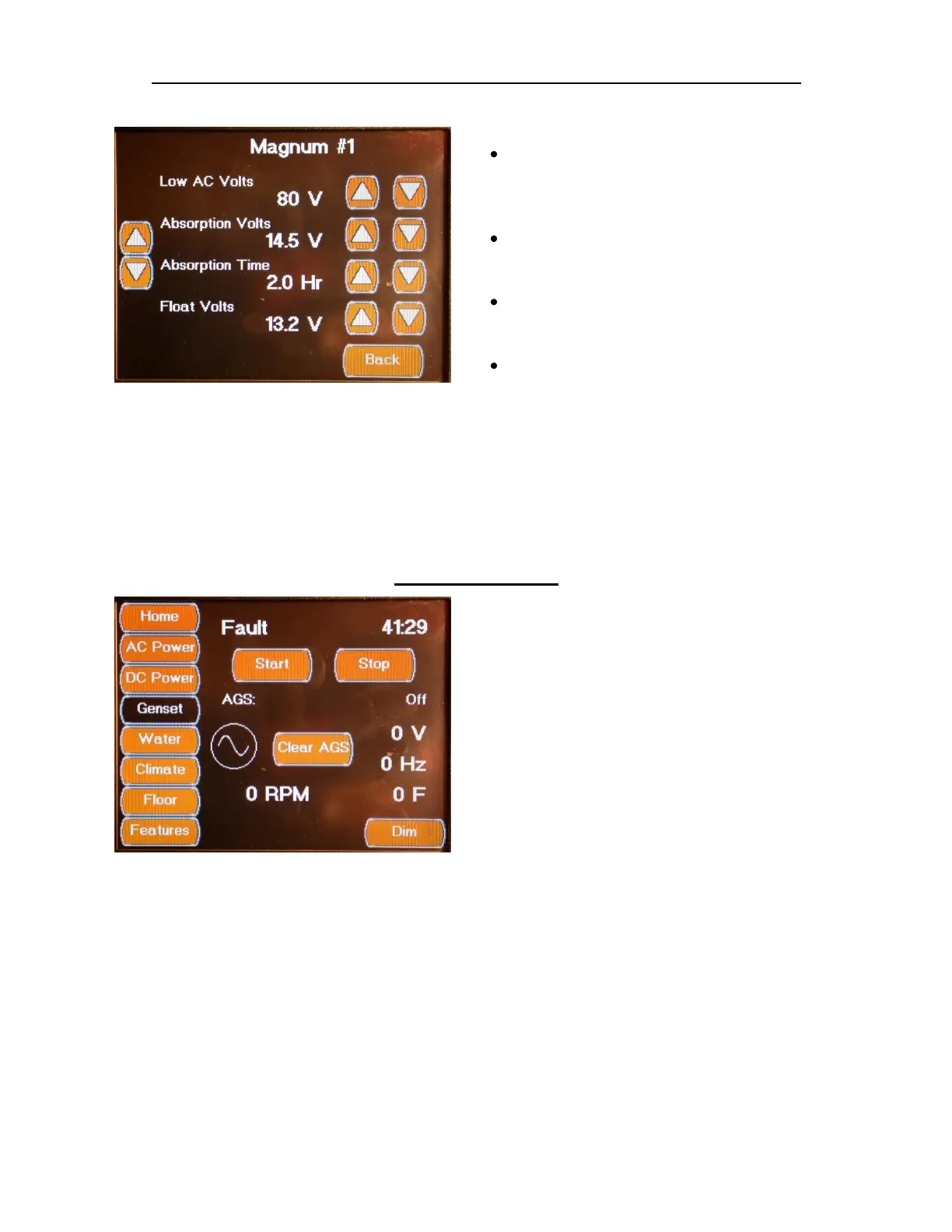
DC POWER SCREENS MAGNUM ADVANCED SETTINGS SCREEN 2
The Magnum Advanced Settings Screen has the
following Configuration Values:
Low AC Volts ( AC Voltage)
This setting is the low AC Voltage (Brown Out)
trigger point that will turn off the charger and
turn the inverter on.
Absorption Volts (DC Voltage)
This is the DC Voltage that will be output
when the charger is in Absorption Mode.
Absorption Time (Hr)
This is the amount of time that the charger
will stay in Absorption Mode.
Float Volts (DC Voltage)
This is the DC Voltage that will be output
when the charger is in Float Mode.
GENSET SCREEN
The Genset Screen displays the current
Generator Status and control system run time.
Note: The system generator run time can be set
to match the physical generator hour meter
using the OnmiScope Service Tool.
The Start and Stop Buttons allow you to
manually start and stop the generator. The
Clear AGS Button allows you to clear the AGS
Safety Lockout flag to reset the Auto Gen
function.



 To Next Page