Page 36
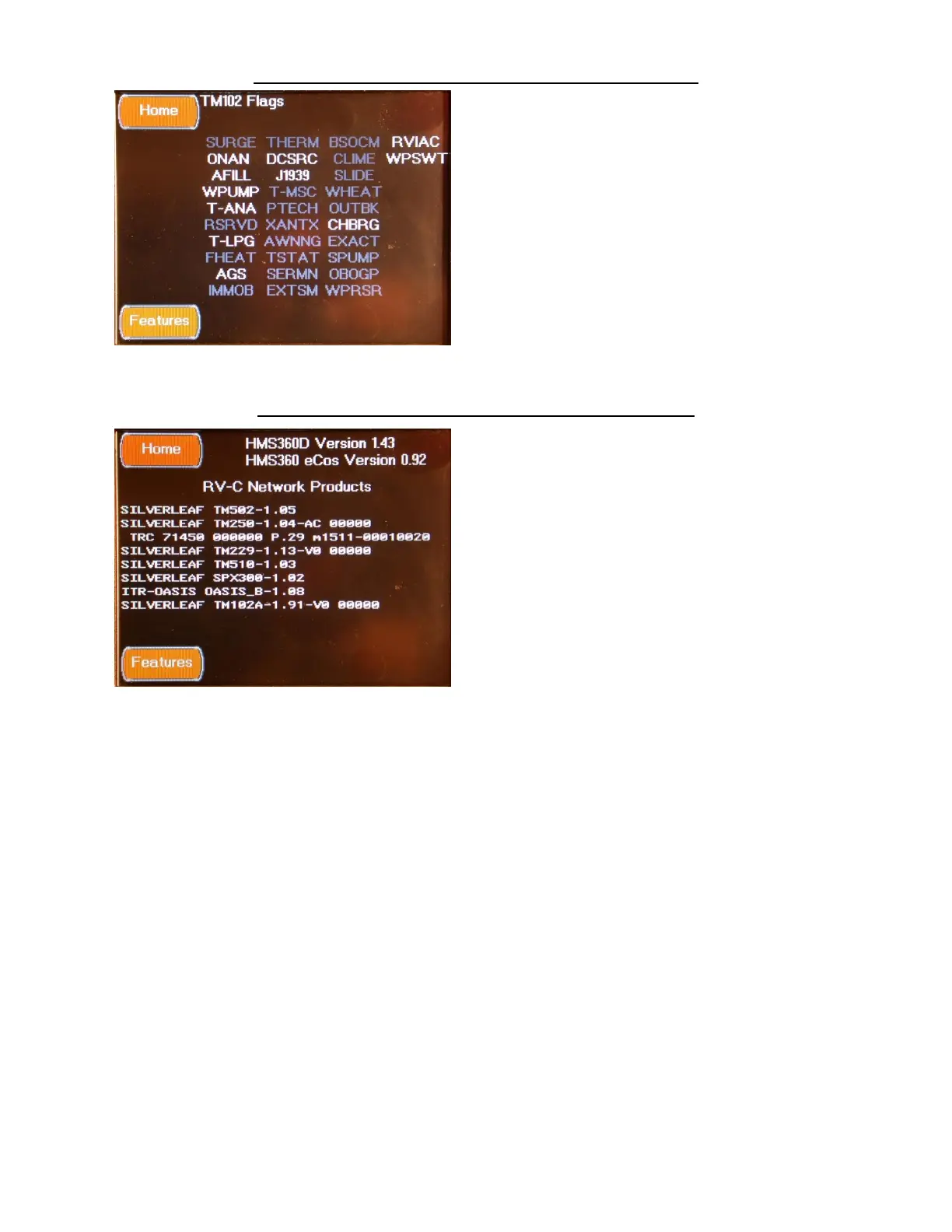
FEATURES TM102 CONFIGURATION SCREEN
The TM102 Flags screen is accessed by pressing
the TM102 Configuration Button located on the
Features Configuration Screen. This screen
displays the active system functions.
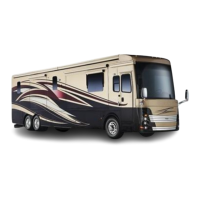
FEATURES COMPONENT VERSIONS SCREEN
The Component Versions screen is accessed by
pressing the Components Versions Button
located on the Features Configuration Screen.
This screen displays all of the RV-C Modules and
their firmware versions found on the system.


 To Next Page