Page 21
FEATURES MONITOR CONFIGURATION SCREEN 8
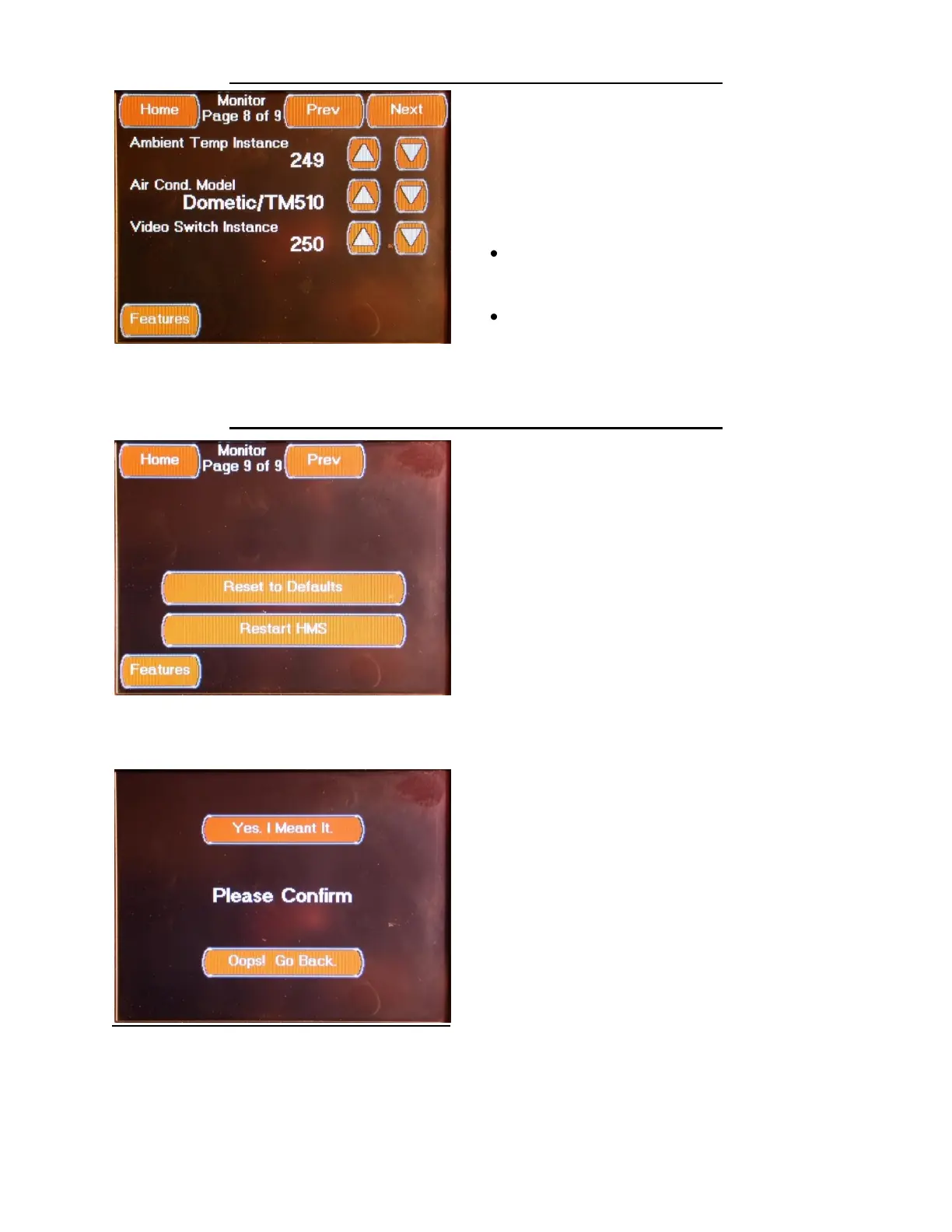
The eighth Monitor Configuration Screen is
accessed by pressing the Next Button located
on the seventh Monitor Configuration Screen or
from the “Prev” Button located on ninth
Monitor Configuration Screen. This Screen
allows you to set the following Display Settings:
Ambient Temp Instance Set to “249”
Select using the Up / Down Arrows
Air Cond. Model Set to “Dometic /
TM510”
Select using the Up / Down Arrows
Video Switch Instance Set to “0”
Select using the Up / Down Arrows
FEATURES MONITOR CONFIGURATION SCREEN 9
The ninth Monitor Configuration Screen is
accessed by pressing the Next Button located
on the seventh Monitor Configuration Screen.
This Screen allows you to reset the display to
the default settings or to restart (reboot) the
display. Pressing the Reset to Defaults Button
will set the display to the Factory Default
settings. Resetting the display to the Factory
Default settings will change any previously
configured settings. Pressing the Restart HMS
Button will reboot the display.
Generally a Restart is required after any setting
changes have been made. In some cases the
changes will take effect without a Restart.
You must confirm that you wish to actually
Reset the Monitor.



 To Next Page