Page 32
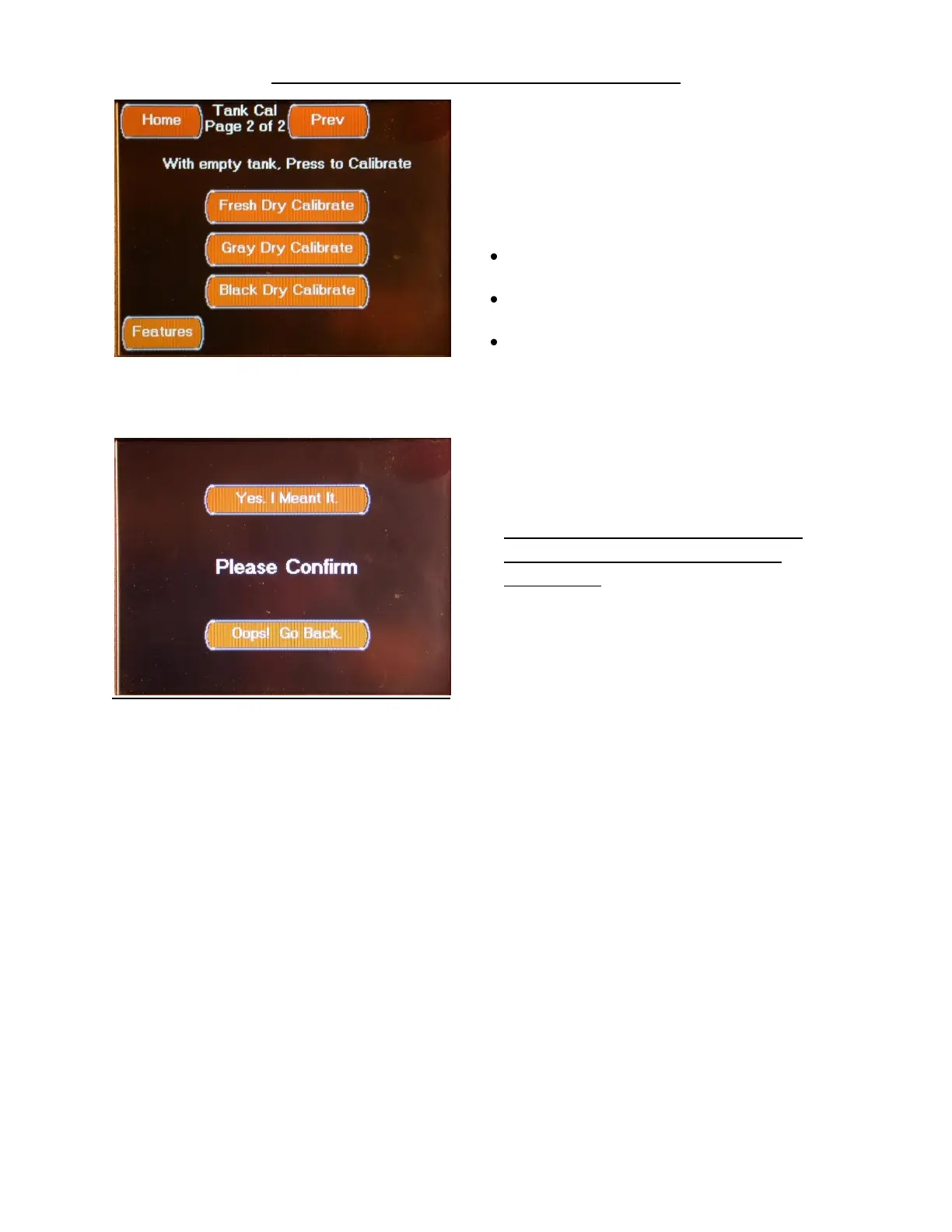
FEATURES TANK CALIBRATION SCREEN 2
The second Tank Cal screen is accessed by
pressing the Next Button located on the first
Tank Cal screen.
This screen is used to set the tank sensor Dry
Calibration points.
The Dry Calibration point should only be set
with tank empty or the sensor removed and
exposed to atmospheric pressure.
This screen controls the following functions:
Pressing the Fresh Dry Calibrate Button sets the
Fresh Tank Sensor Dry-Point
Pressing the Gray Dry Calibrate Button sets the
Gray Tank Sensor Dry-Point
Pressing the Black Dry Calibrate Button sets the
Black Tank Sensor Dry-Point
This screen allows you to confirm or cancel
setting the tank sensor dry point for the
selected tank.



 To Next Page