Page | 30
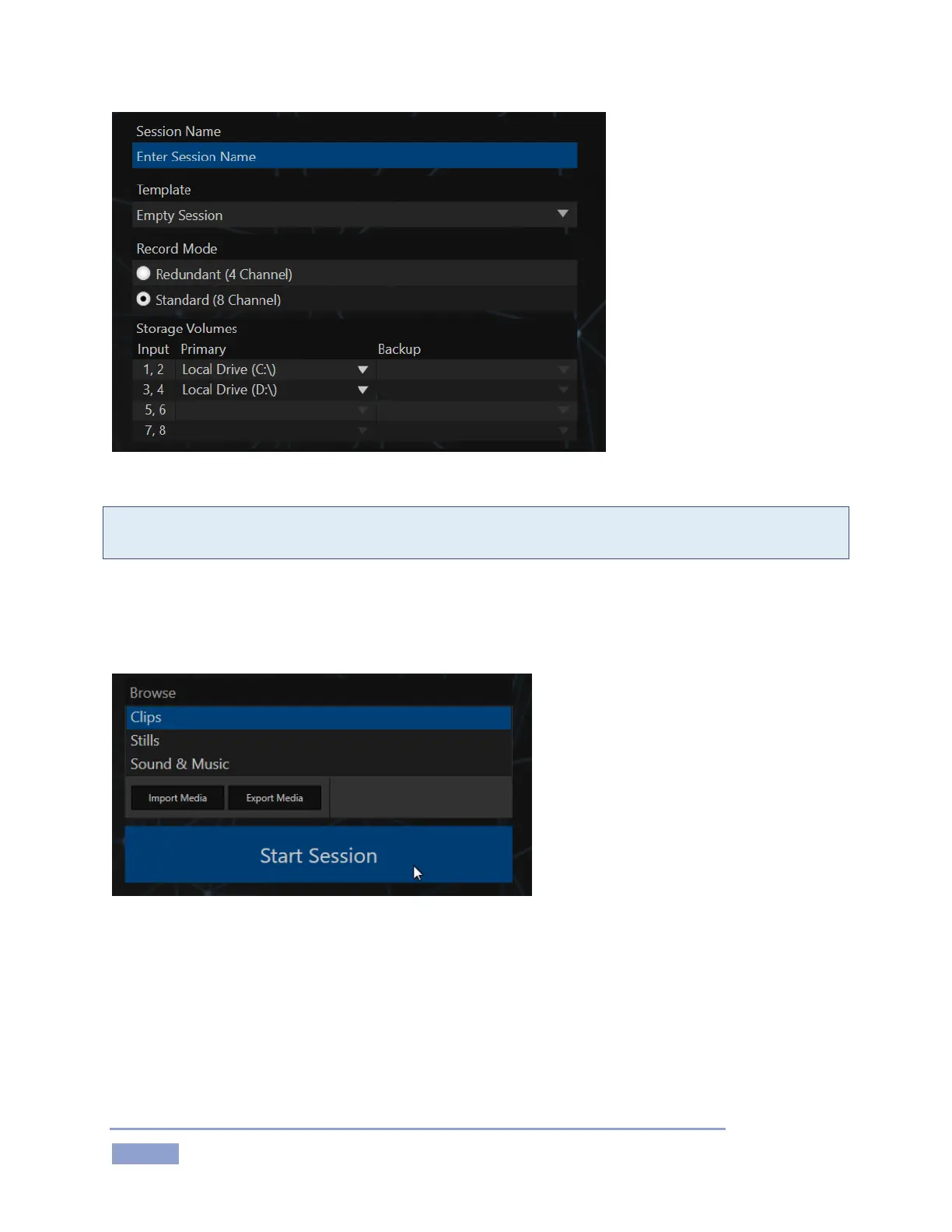
Figure 31 – 3RU model shown
Note: For the 3RU model 3Play 3P1, we recommend the “Redundant (4 Channel)” Record Mode for most
purposes.
2. As part of the session setup process, assign different camera pairs to individual drives, under
Storage Volumes.
3. The Startup > Session page will appear when you click the Create Session link at right.
Figure 32
(Glance around this screen, which provides some useful session asset management tools, but we’re going
to press on to other features right now.)
4. To move on, click Start Session (Figure 32) to launch the Replay Desktop.



 To Next Page