Copyright © 2014 NEXCOM International Co., Ltd. All rights reserved
35
VMC 1100 User Manual
Chapter 5: Touchscreen Driver Installation
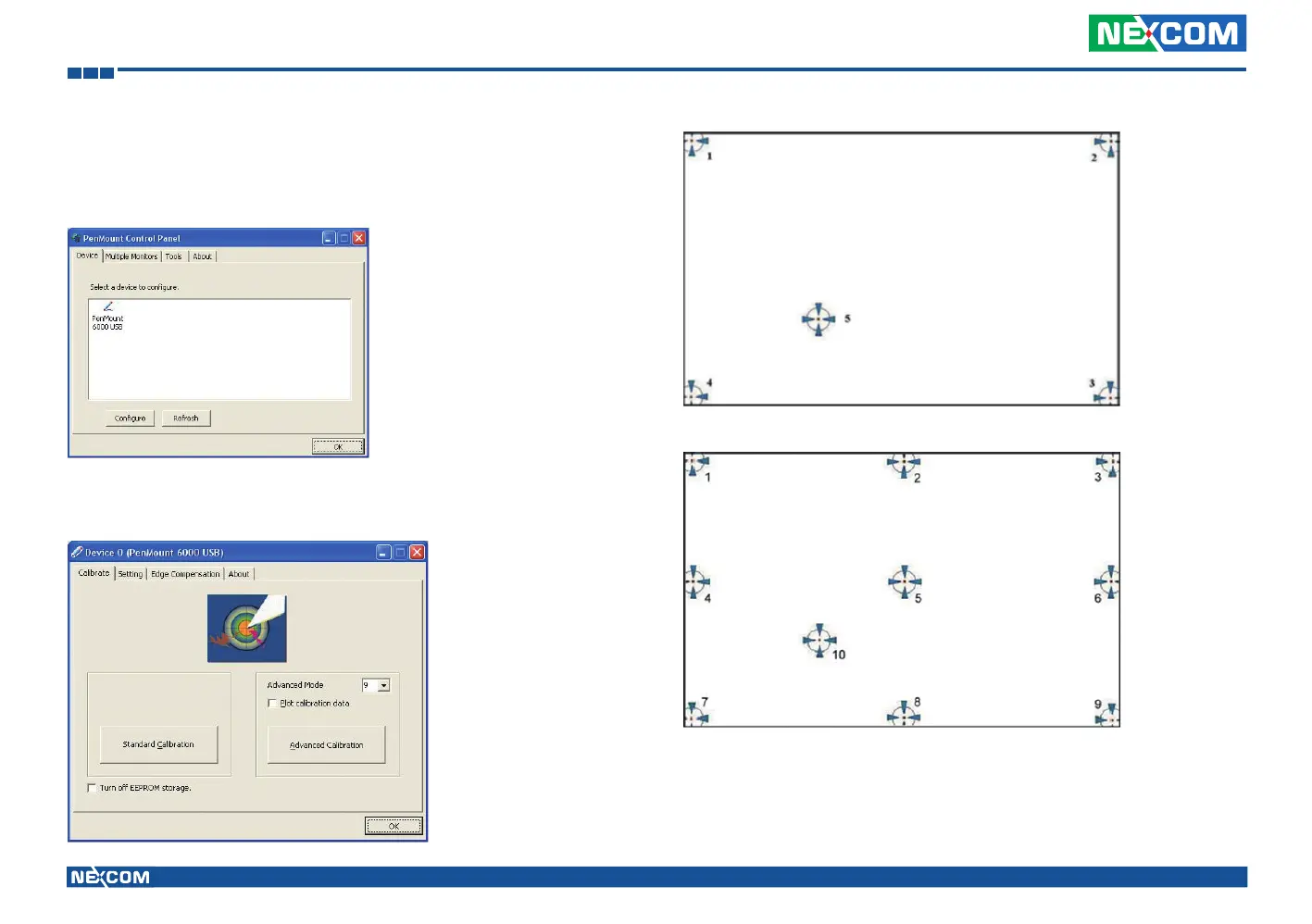
To calibrate your touchscreen:
1. Please select a device then click “Configure”. You can also double click
the device too.
2. Click “Standard Calibration” to start standard calibration or
“Advanced Calibration” to start Advanced Calibration.
NOTE: The older a touchscreen is, the more calibration points of the
Advanced Mode it needs. For an optimal accuracy we suggest to
use a stylus to make the advanced calibration.



 To Next Page