4 USB-Link™ Installation and Setup Manual
Chapter 1 • Introducing the USB-Link™
USB-Link™ Components
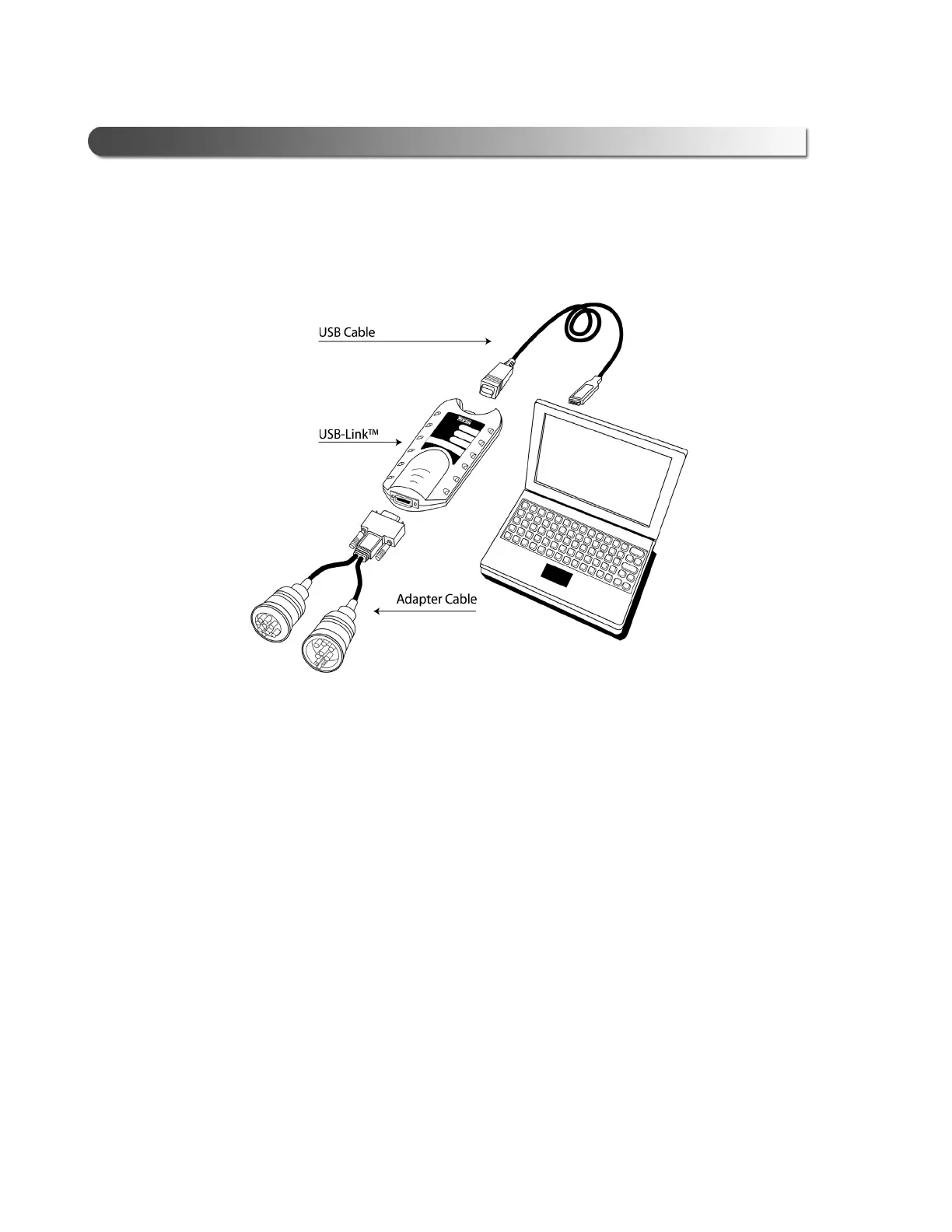
The following illustration details each of the USB-Link™ components:
a chapter’s first page. The page’s layout isements (e.g., ChapIntro, Body Text, Bullets, etc.), not
headings. Headings on this page produce alignment If the introduction paragraphs
a chapter’s first page. The page’s layout is designed to present body elements (e.g., ChapIntro, Body
Text, Bullets, etc.), not headings. Headings on this page produce alignment If the introduction
paragraphs
Figure 1.1 USB-Link™ Components



 To Next Page