- Step 2: Choose Your Connection
USB-Link™ Installation and Setup Manual 33
Step 2: Choose Your Connection
You have two options for connecting the USB-Link™ to a PC or laptop computer.
Choose one of the following options. Both have advantages.
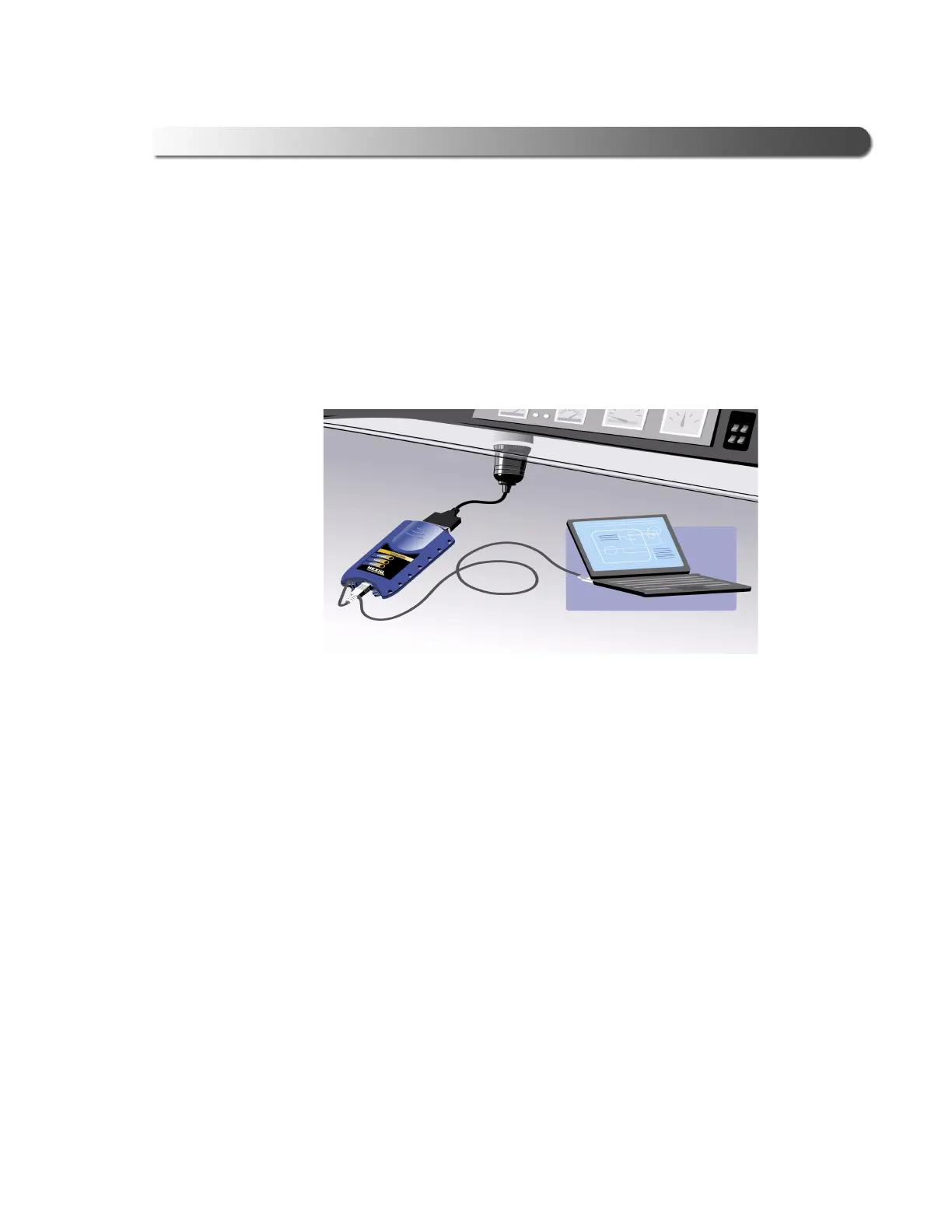
• Wired connection using a 15 ft. USB cable
The advantage of a wired connection is faster throughput (e.g., you want
to use the USB-Link™ for ECU reprogramming).
If you are connecting the USB-Link™ by means of a USB cable, you do
not need to read the rest of this chapter. Instead, move on to “Connect
the USB-Link™ to a Vehicle” in Chapter 3 of this manual.
If, however, you want the flexibility of both wired and wireless connectiv-
ity, it is recommended that you install the Bluetooth drivers now rather
than later. In this case, continue reading the remainder of this topic.
Figure 2.27 Wired Connection Using USB Cable



 To Next Page