USB-Link™ Installation and Setup Manual 55
3
Preparing to Use the
USB-Link™
u
Step 5: Connect the USB-Link™ to a Vehicle, page 56
u
Step 6: Use the Bluetooth Connection Utility, page 60
u
Step 7: Test the Connection to the Vehicle, page 65
u
Step 8: Setting Up Diagnostic PC Applications, page 68
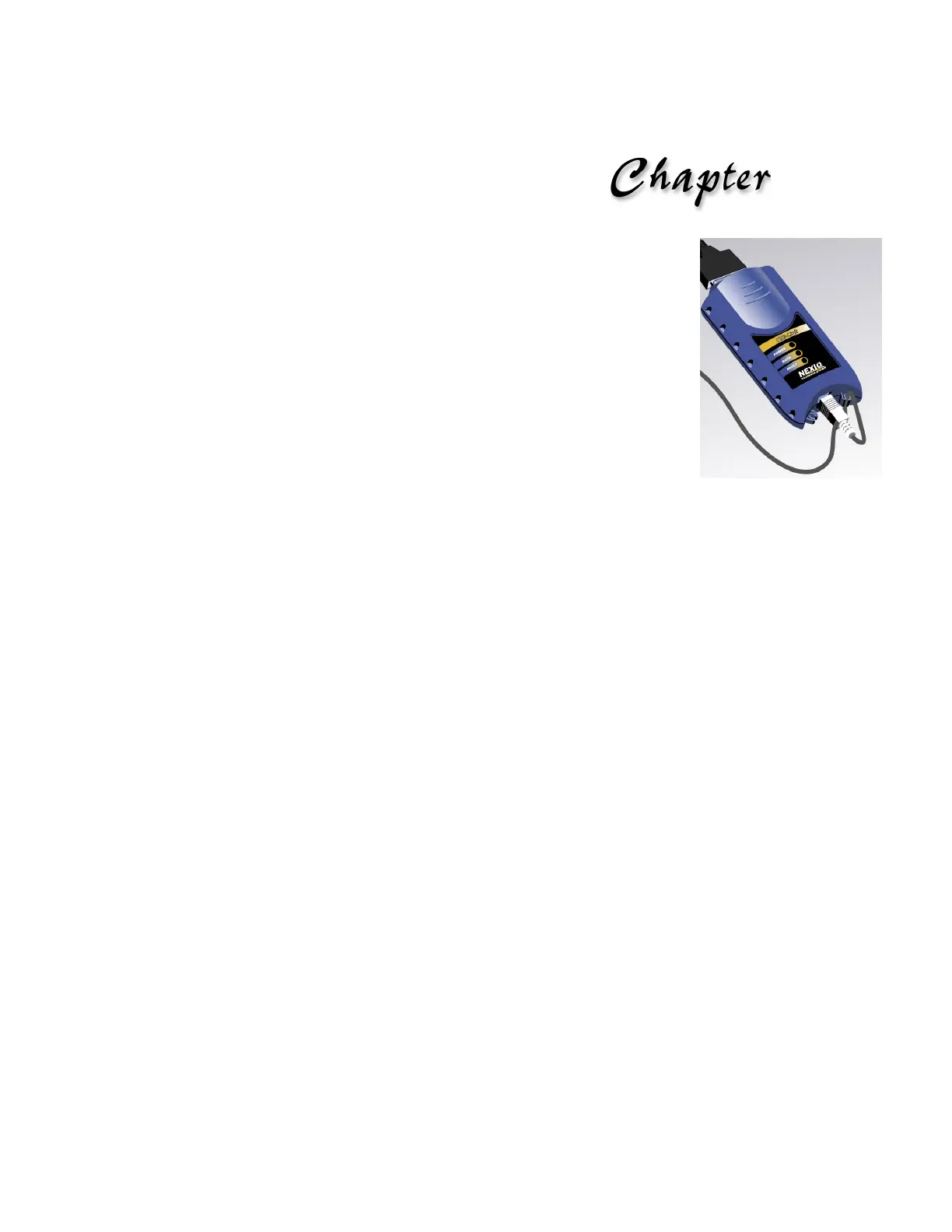
This chapter provides instructions for connecting the USB-Link™ to a vehicle, using
the Bluetooth Connection Utility, and testing the connection. It also includes instructions
on setting up the diagnostic personal computer (PC) applications supported by the USB-
Link™.



 To Next Page