- Step 5: Connect the USB-Link™ to a Vehicle
USB-Link™ Installation and Setup Manual 57
NOTE:
i For additional information on choosing the right connector for your situa-
tion, refer to Adapter Guide for the USB-Link™ (NEXIQ Part No. 1400-
357).
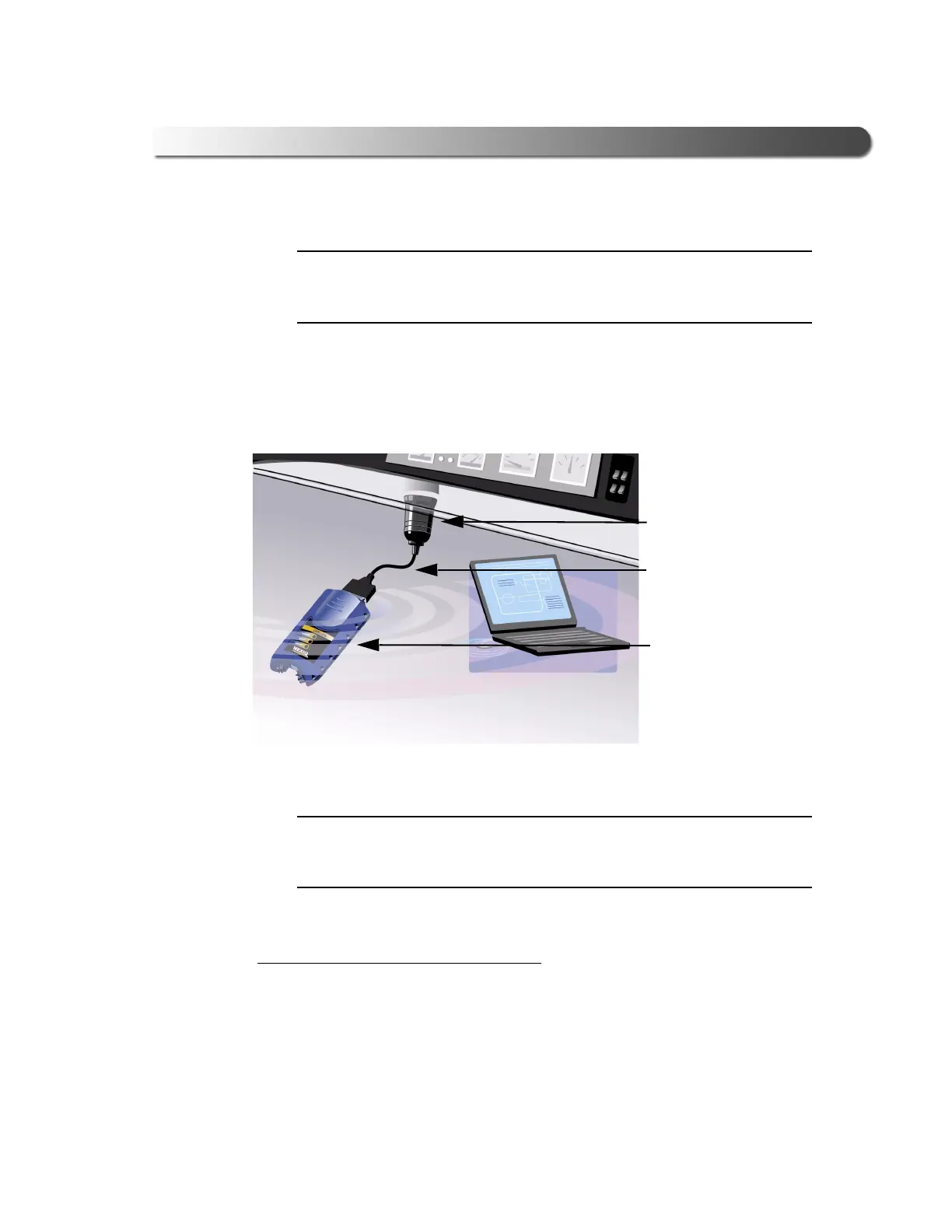
The following illustration shows how the USB-Link™ connects with the vehicle:
NOTE:
i A wired connection between the PC and the USB-Link™ is also possible
by means of a USB cable (not pictured). Refer to Figure 3.2 for an exam-
ple of a wired connection.
Wireless Connection
To connect the USB-Link™ to the vehicle:
1 Connect the DB15 male end of the appropriate adapter cable to the USB-
Link™ (see Figure 3.1).
2 Attach the other end of the adapter cable (i.e., the Deutsch connector end) to
the vehicle’s diagnostic connector.
Figure 3.1 USB-Link™-to-Vehicle Connection
Adapter Cable
USB-Link™
Connector



 To Next Page