iv USB-Link™ Installation and Setup Manual
Safety Information
Safety Message Conventions
Safety messages are provided to help prevent personal injury and equipment
damage. All safety messages are introduced by a signal word indicating the
hazard level.
Indicates an imminently hazardous situation which, if not avoided, will
result in death or serious injury to the operator or to bystanders.
Indicates a potentially hazardous situation which, if not avoided, could
result in death or serious injury to the operator or to bystanders.
Indicates a potentially hazardous situation which, if not avoided, may result
in moderate or minor injury to the operator or to bystanders.
Indicates a situation which, if not avoided, may result in damage to the test
equipment or vehicle.
Safety messages contain three different type styles.
• Normal type states the hazard.
• Bold type states how to avoid the hazard.
• Italic type states the possible consequences of not avoiding the hazard.
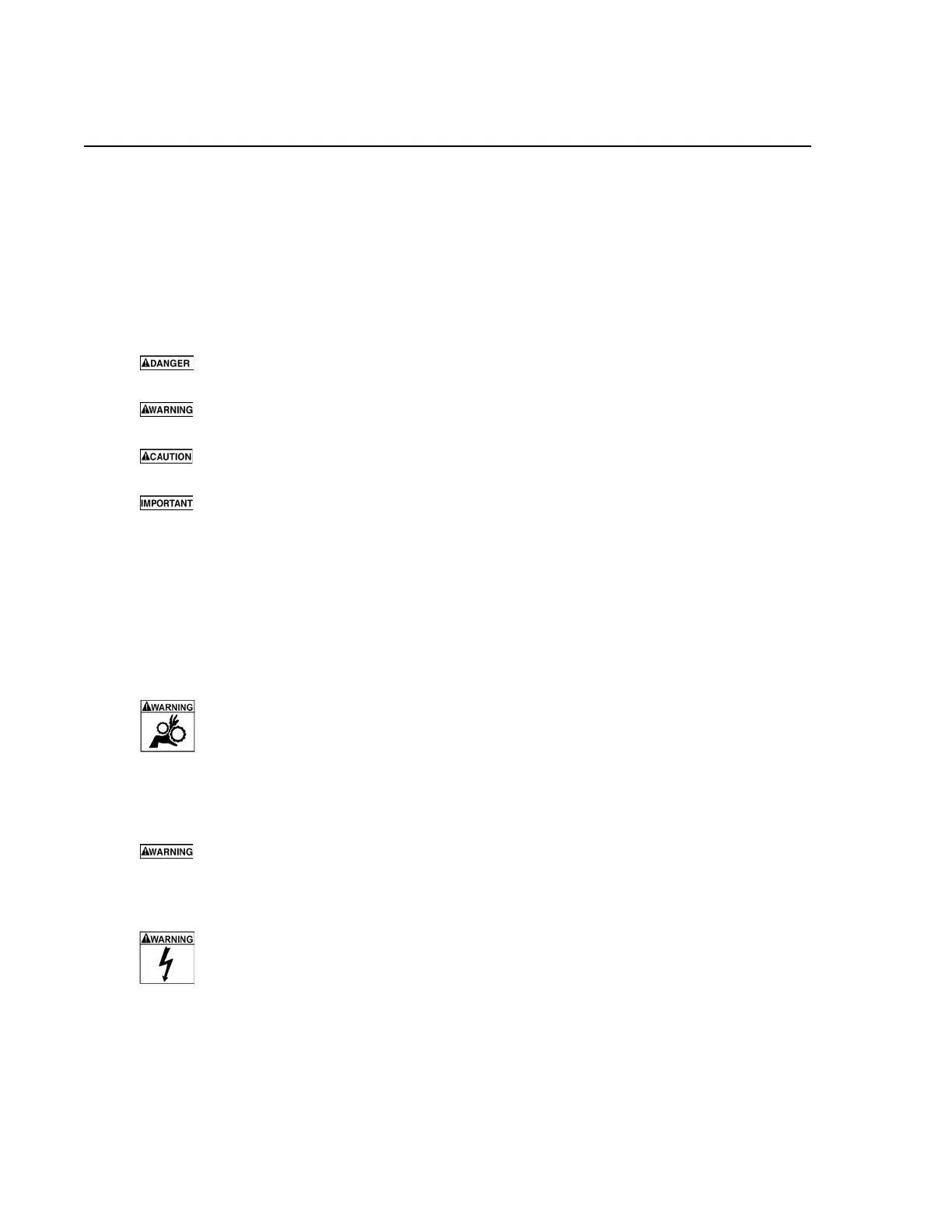
An icon, when present, gives a graphical description of the potential hazard.
Example:
Risk of unexpected vehicle movement.
• Block drive wheels before performing a test with engine running.
A moving vehicle can cause injury.
Important Safety Instructions
Risk of entanglement.
• Do not allow cables to hang in such a way that they may become
entangled with operator or driving controls.
Cable entanglement can cause interference with driving and can cause injury.
Risk of electric shock.
• Do not exceed voltage limits between inputs as indicated on the rating
label.
• Use extreme caution when working with circuits that have greater than
60 volts DC or 25 volts AC.



 To Next Page