36 USB-Link™ Installation and Setup Manual
Chapter 2 • Installation and Bluetooth Configuration
Step 4: Install the Bluetooth Drivers
To install the
Bluetooth
drivers:
1 Insert the Linksys CD into your PC’s CD-ROM drive.
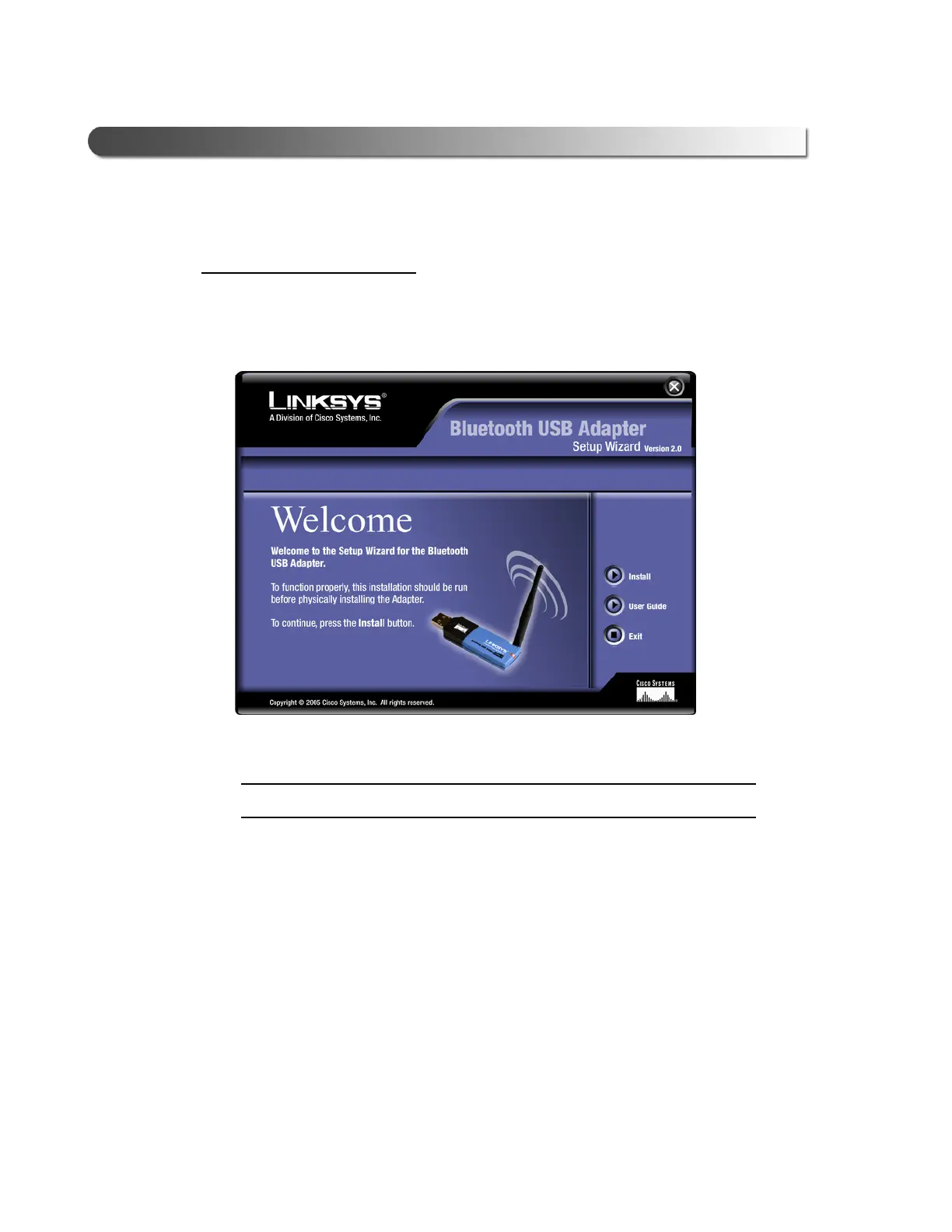
The Linksys Welcome screen is displayed.
IMPORTANT:
ä Ignore the instruction on the screen, “To function properly...”
2 Click the Install button to install the Linksys USB Bluetooth software.
Figure 2.29 Linksys Bluetooth USB Adapter Welcome screen



 To Next Page