- Step 4: Install the Bluetooth Drivers
USB-Link™ Installation and Setup Manual 37
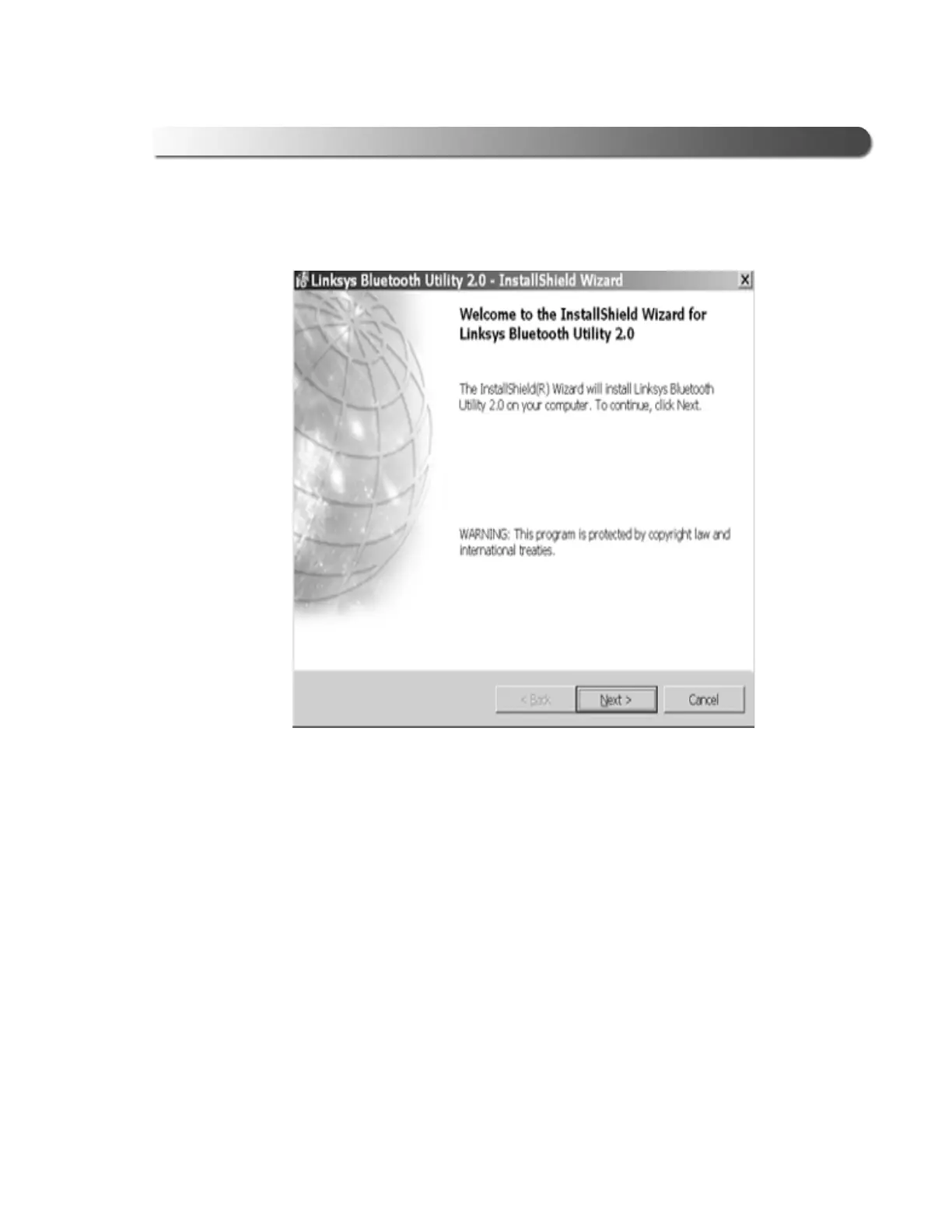
The Welcome to the InstallShield Wizard screen is displayed.
3 Click Next, and follow the on-screen prompts.
The License Agreement screen is displayed.
Figure 2.30 InstallShield Wizard Welcome screen



 To Next Page