54 USB-Link™ Installation and Setup Manual
Chapter 2 • Installation and Bluetooth Configuration
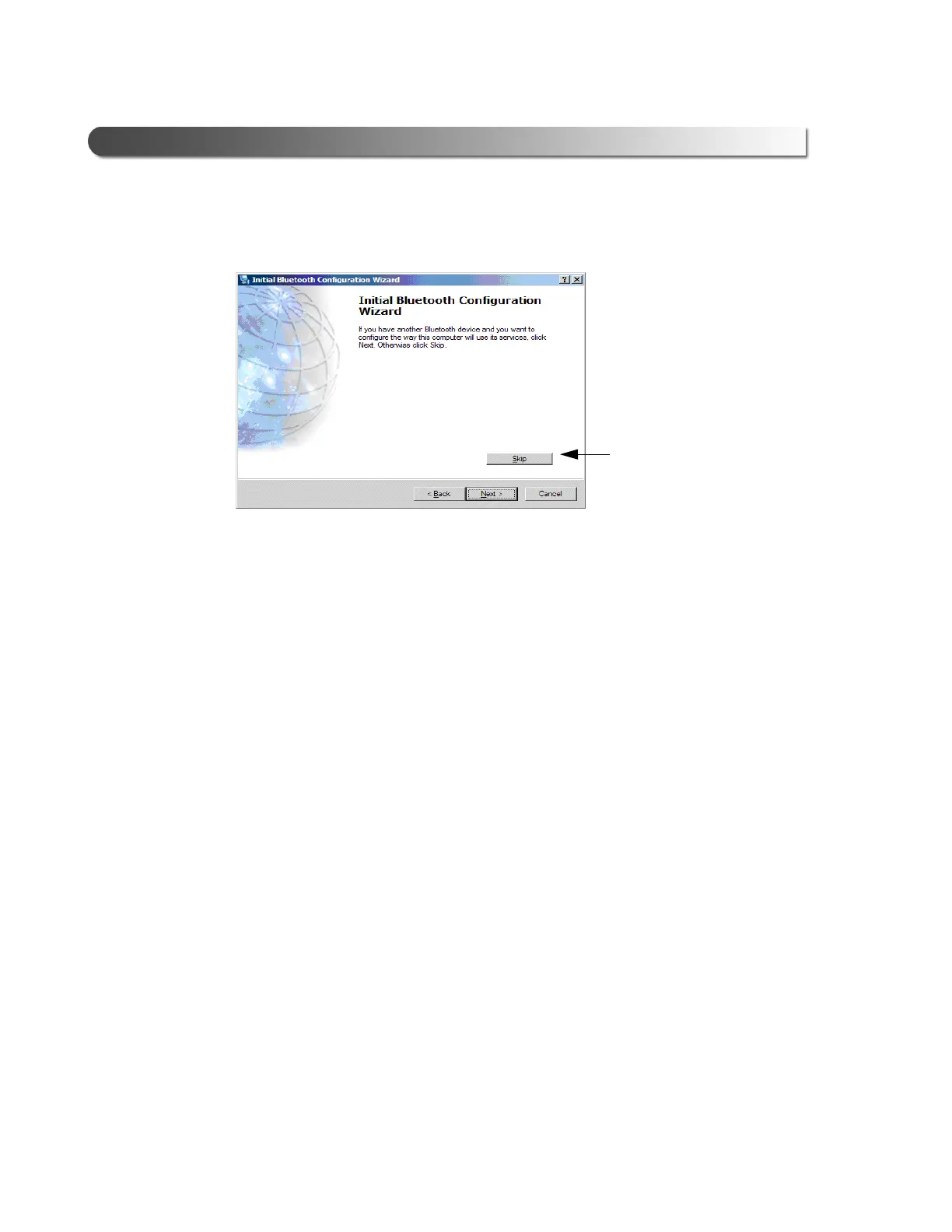
4 Click Skip.
The Initial Bluetooth Configuration Wizard Congratulations screen is
displayed.
5 Click Finish, and move on to Chapter 3, Preparing to Use the USB-Link™,
next in this manual.
Figure 2.47 Skip to Continue Without Configuring Another Device
Click Skip



 To Next Page