- Configure the Bluetooth Environment
USB-Link™ Installation and Setup Manual 53
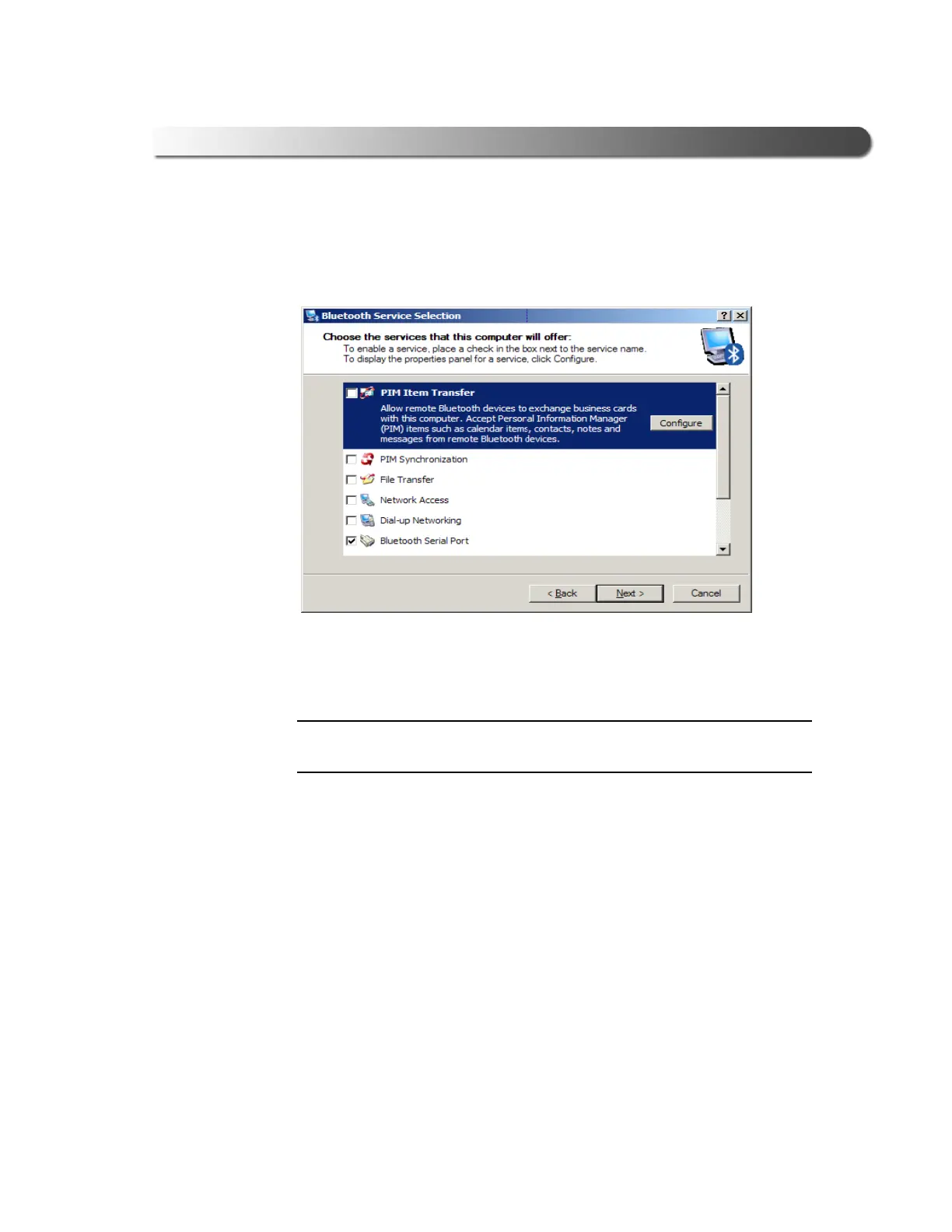
Follow the prompts through the configuration process. During the process
the following screen is displayed:
2 Clear all of the check boxes except the Bluetooth Serial Port check box.
NOTE:
i You need to use the scroll bar on the right side of the screen to view all of
the check boxes.
3 Click Next.
Figure 2.46 Bluetooth Service Selection



 To Next Page