32 USB-Link™ Installation and Setup Manual
Chapter 2 • Installation and Bluetooth Configuration
20 When the Adobe installation is complete, click Finish to exit the Wizard and
continue with the remainder of the installation process.
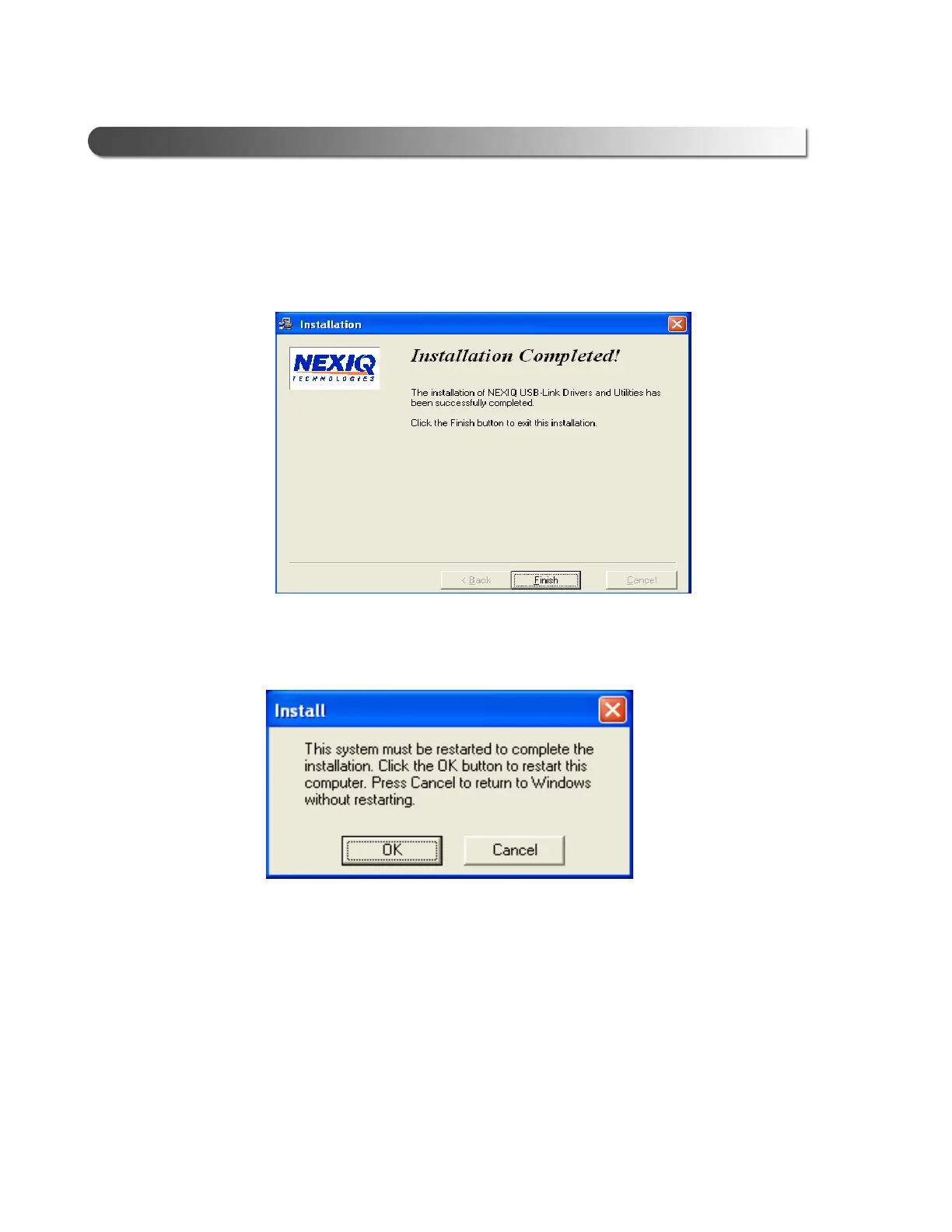
21 When the Installation Completed! screen appears, click Finish.
A message appears prompting you to restart the PC.
22 Click OK to restart the PC.
23 Once the PC restarts, remove the installation CD from the CD-ROM or DVD-
ROM drive.
Move on to “Choose Your Connection,” next in this manual.
Figure 2.25 Installation Completed! Screen
Figure 2.26 Restart Prompt



 To Next Page