- Step 1: Install the USB-Link™ Drivers and Utilities
USB-Link™ Installation and Setup Manual 31
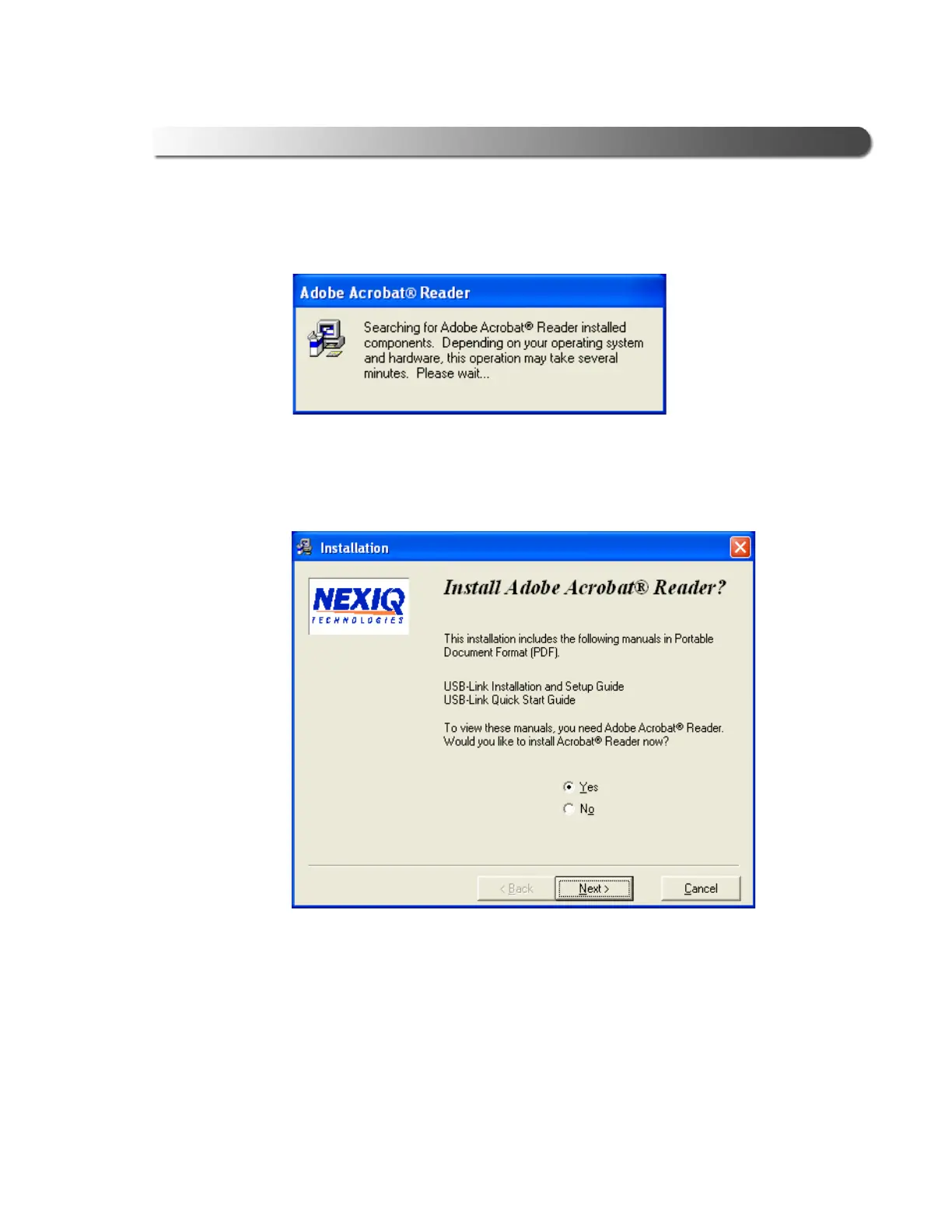
The following dialog is displayed:
If your PC requires installation of the Adobe Acrobat
®
Reader, the following
screen is displayed.
18 Click Next to accept the default (Yes), and follow the prompts.
The Adobe Reader - Setup window is displayed.
19 Click Next, and follow the Adobe Wizard prompts.
Figure 2.23 Acrobat Reader Search Dialog
Figure 2.24 Acrobat Reader Installation Screen



 To Next Page