30 USB-Link™ Installation and Setup Manual
Chapter 2 • Installation and Bluetooth Configuration
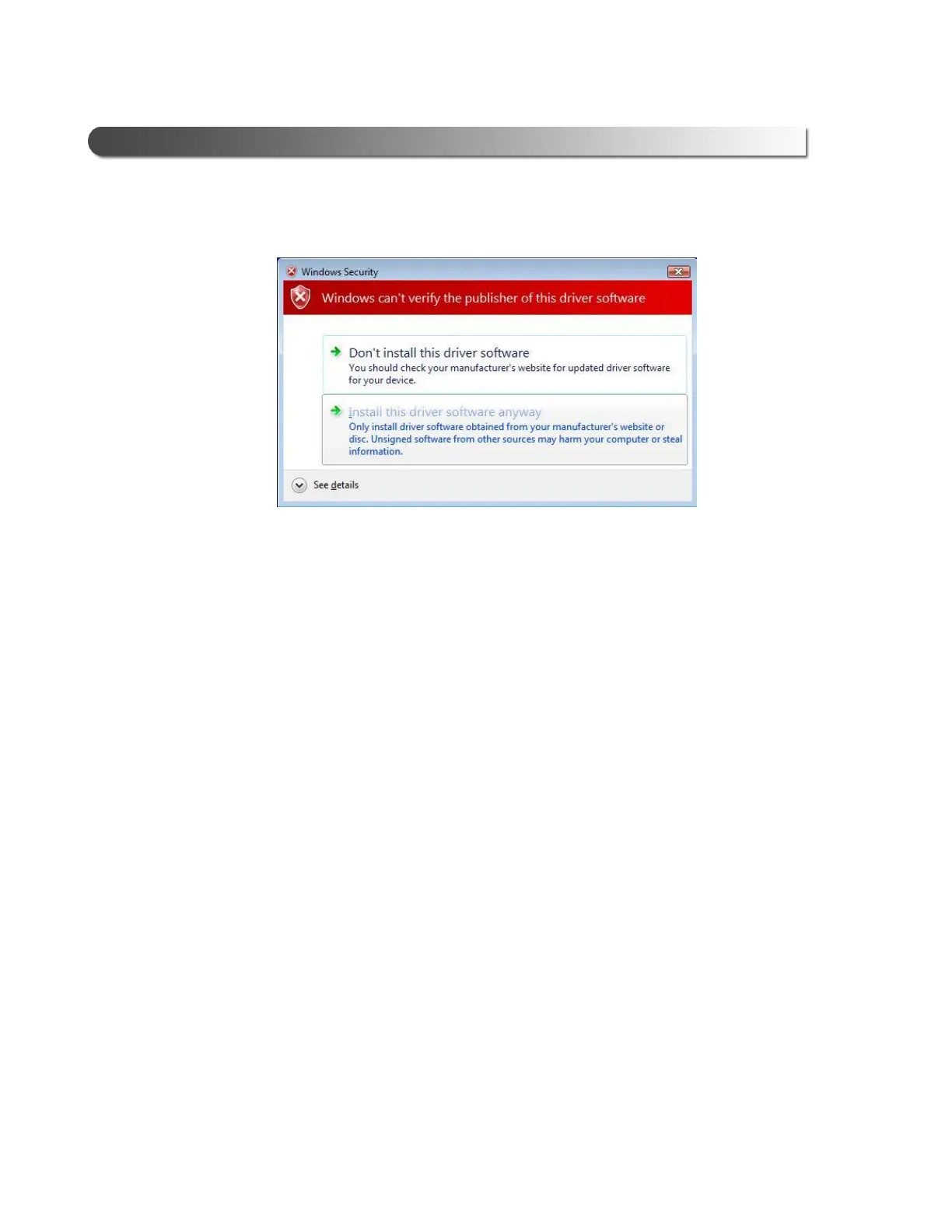
Windows Security displays the following window:
16 Click Install this driver software anyway.
17 Wait while the drivers are installed.
Figure 2.22 Windows Security Warning



 To Next Page