- Step 1: Install the USB-Link™ Drivers and Utilities
USB-Link™ Installation and Setup Manual 29
—Click Next to proceed with the installation.
—Click Back to step backward through previous screens.
—Click Cancel to stop the installation.
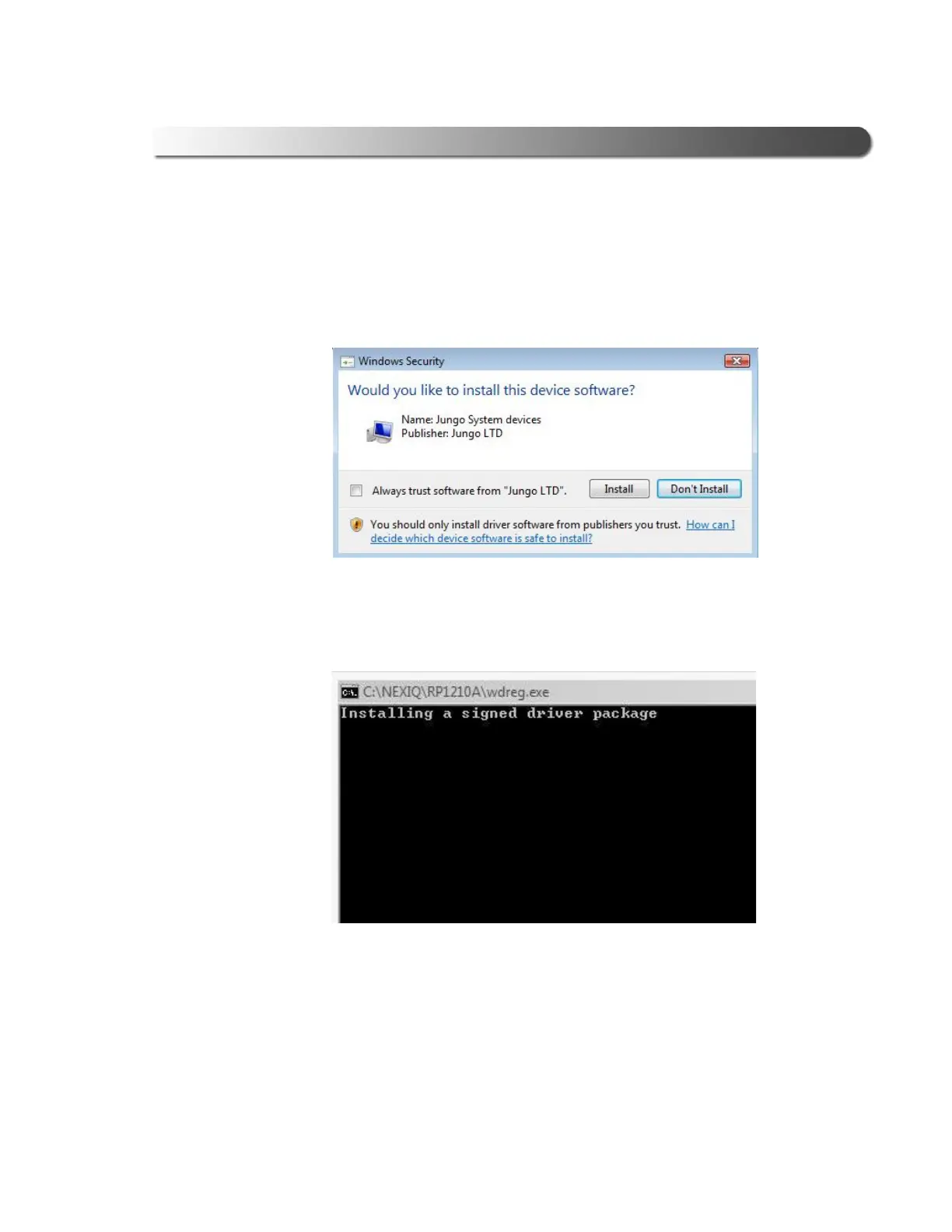
A Windows Security warning is displayed.
13 Click on the check box labeled Always trust software from “Jungo LTD”.
14 Click Install.
15 Wait while the driver package is installed. This could take a few seconds.
Figure 2.20 Windows Security Warning
Figure 2.21 Installation Window



 To Next Page