- Step 1: Install the USB-Link™ Drivers and Utilities
USB-Link™ Installation and Setup Manual 13
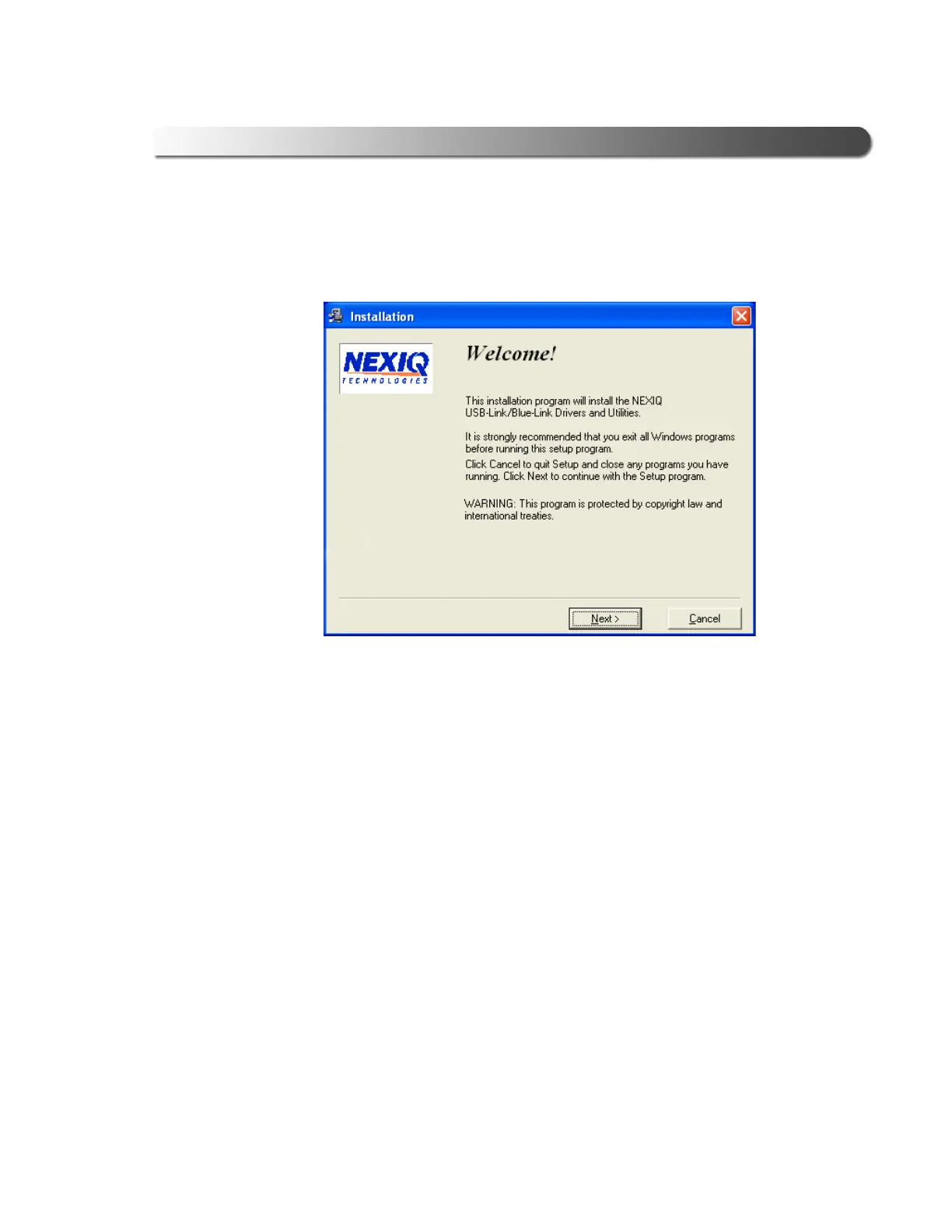
The installation begins by displaying the Welcome! screen.
—If the program does not automatically start, access your CD-ROM drive
through My Computer and double-click the SETUP.EXE file.
2 Read the information displayed on the Welcome! screen, and click Next.
Figure 2.2 Installation Welcome! Screen



 To Next Page