- Additional Steps for Windows XP SP-2
USB-Link™ Installation and Setup Manual 45
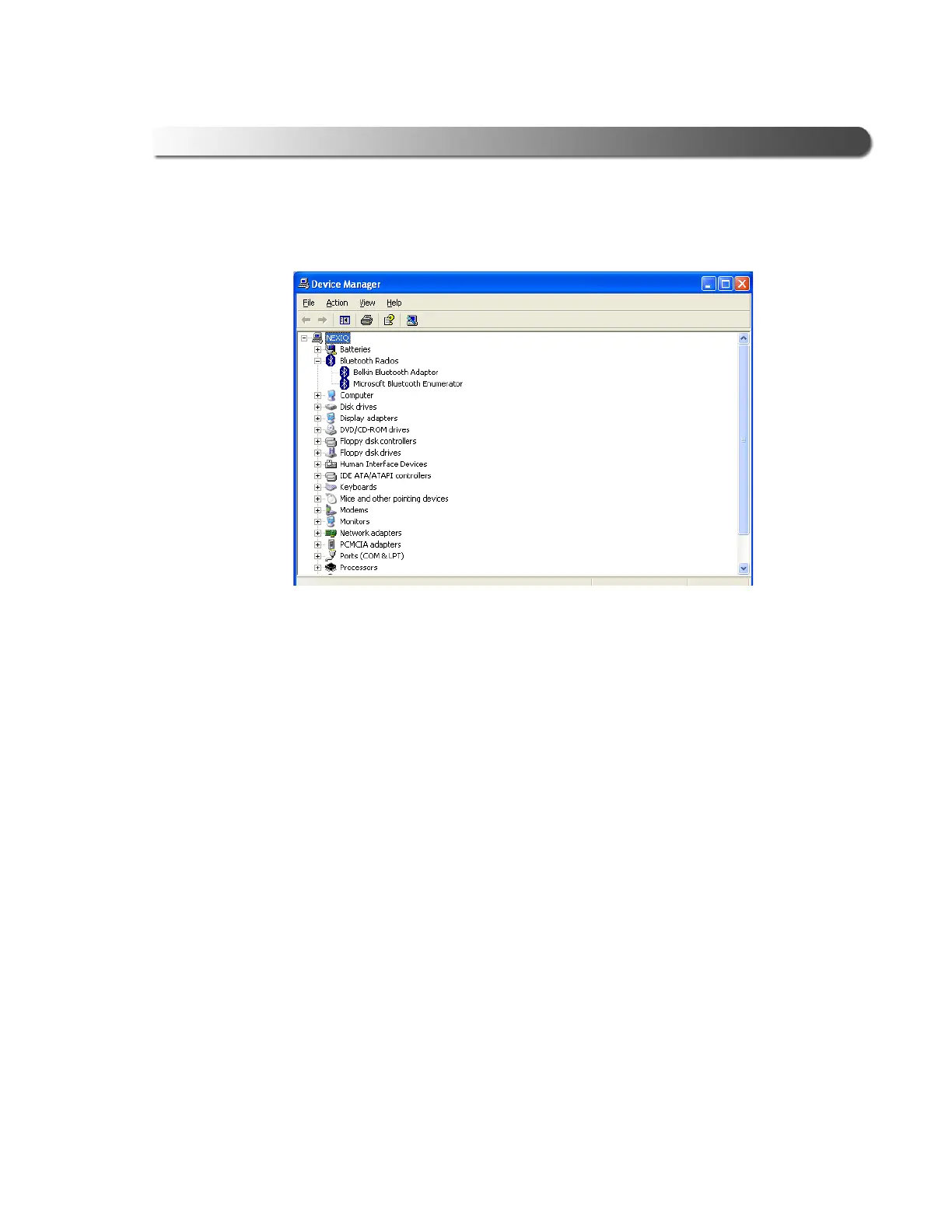
The Device Manager screen is displayed.
2 Click on the plus (+) sign to expand the Bluetooth Radios folder.
Typically, you will see two items in the folder, one for the Bluetooth Adapter
you installed earlier in this guide and one for Microsoft Bluetooth Enumera-
tor (see Figure 2.37, above).
3 Right-click the Belkin Bluetooth Adapter item. Do not click on the Microsoft
Bluetooth Enumerator.
Figure 2.37 Device Manager Screen



 To Next Page