- Step 6: Use the Bluetooth Connection Utility
USB-Link™ Installation and Setup Manual 61
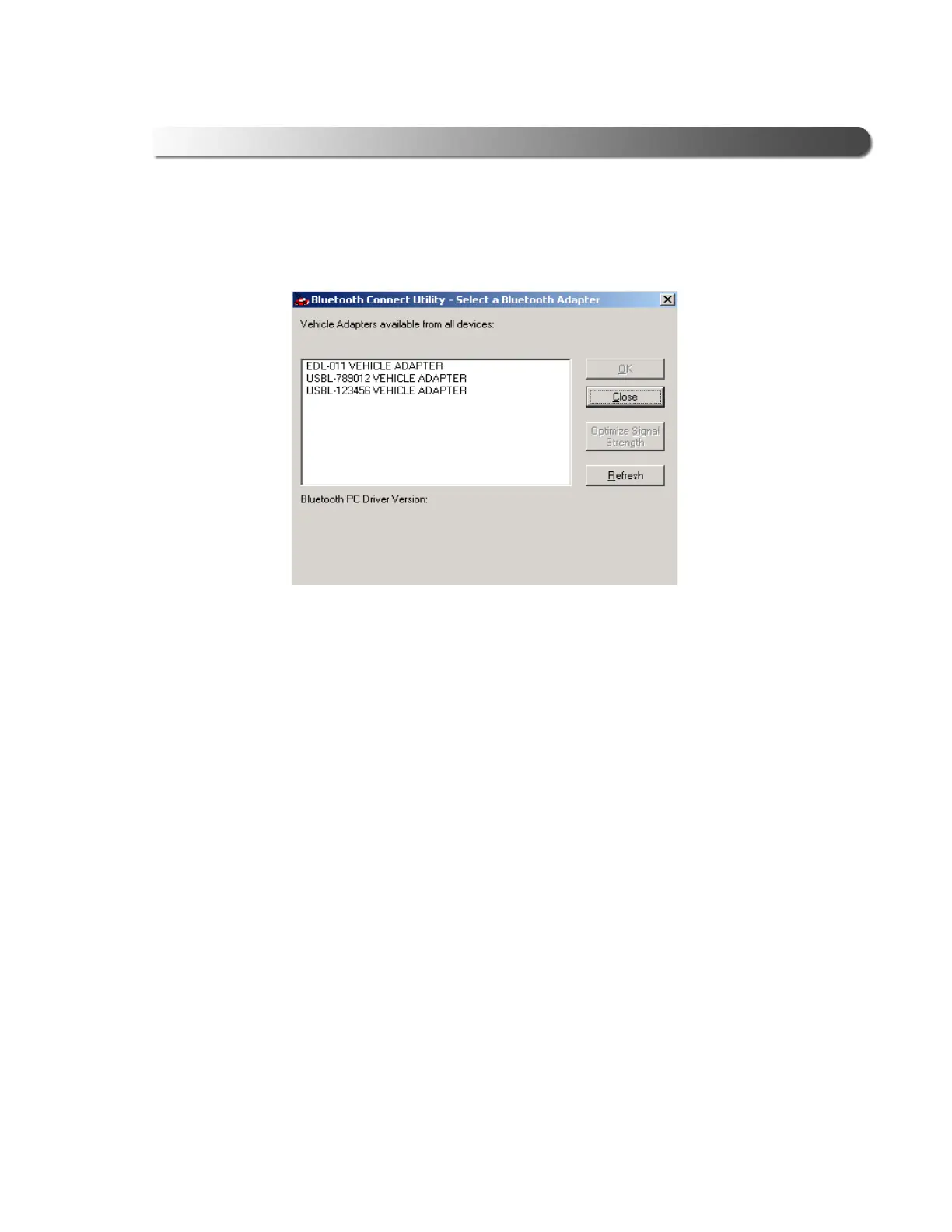
The Bluetooth Connect Utility - Select a Bluetooth Adapter window is
displayed.
—A list of vehicle adapters on the network is displayed in the data window.
3 From the Vehicle Adapters available from all devices: list, select the
vehicle adapter to which you want to connect.
Figure 3.5 Select a Bluetooth Adapter



 To Next Page