EN
English – 7
2
2.4 Typical installation
Fig.2 shows an example of an automation system designed with Nice
components:
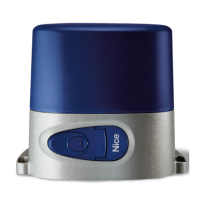
1 Gearmotor
2 Transmitter
3 Safety edge
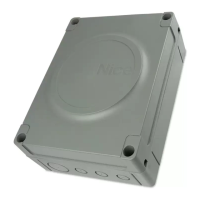
4 Junction box
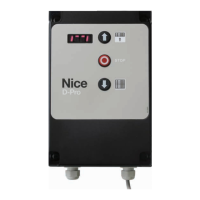
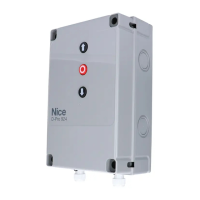
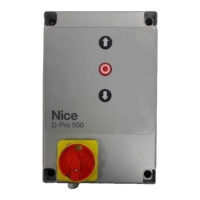
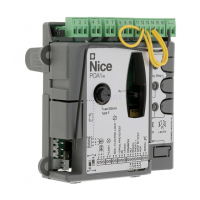
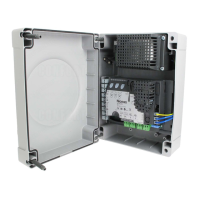
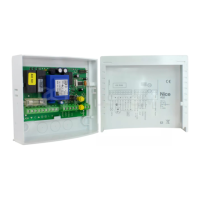
5 Control unit
6 Spiral cable
7 Flashing light
8 Photocell
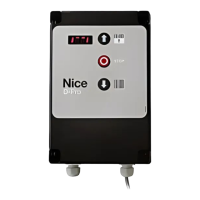
9 Digital keyboard - Transponder reader - Key selector switch - Push button
panel
These components are positioned according to a typical and usual layout.
Referring to g. 2, determine the approximate position in which each component
in the system will be installed.
IMPORTANT! – Before installation, prepare the necessary electrical
cables for your system, referring to g. 2 and "TABLE 3 - Electrical cable
specifications".
WARNING! – The electrical cables used must be suitable for the
particular installation site.
WARNING! – When laying pipes for the routing and entry of electrical
cables into the control unit box, condensation may form inside the
control unit due to possible water ingress in the inspection pits. This
condensation could damage the electronic circuits.
TABLE 3 - Electrical cable specications
Connection Type of electrical cable to be used Maximum electrical cable length
A: MAINS cable with CEE connector
Motor < 1.5 kW = Cable 5 x 0.75 mm
2
Motor > 1.5 Kw = Cable 5 x 1.5 mm
2
1 m (*)
B: MOTOR cable
Nice gearmotor cables available as optional
accessories
5 - 7 - 11 m
C: FLASHING LIGHT cable 2 x 0.75 mm
2
10 m
D: PHOTOCELLS cable 4 x 0.5 mm
2
15 m
E: KEY SELECTOR SWITCH cable 3 x 2 x 0.25 mm
2
10 m
F: Spiral CABLE FOR SAFETY EDGE
Nice spiral cable available as an optional
accessory
4 m
(*) When the mains cable is longer than 5m, use a larger diameter.


 To Next Page